6
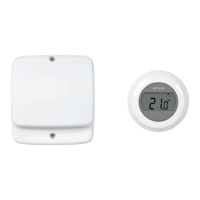
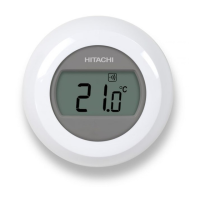
How do I change the batteries on the
Room Unit when they run out?
The Room Unit
batteries follow the steps in the above section
STEP 1: Installing the Batteries
in Step c. Note: While changing the batteries
correct.
I want to use the table stand instead
of wall mounted bracket. Where can I
position the Room Unit?
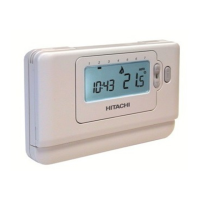
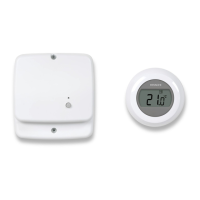
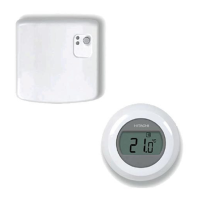
It is important to keep the Room Unit in a
location where reliable RF communication
Room Unit and he will
check if the RF communication is reliable in
Important: As this is a wireless device certain
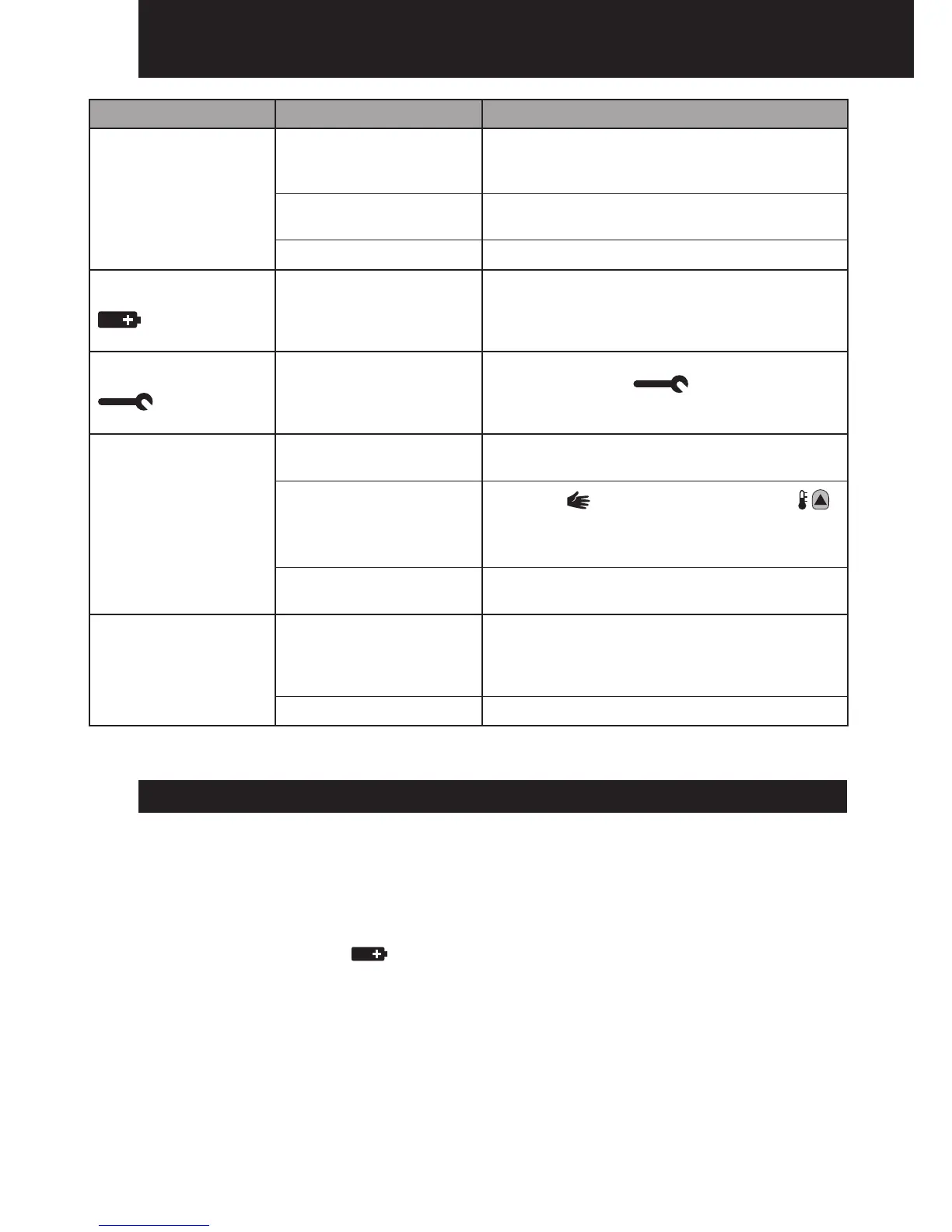
Symptom Possible Cause Remedy
The Room Unit has
a blank LCD screen.
Check to see if there are batteries in the
been removed.
orientation.
Check that the batteries have been installed
in the correct orientation.
Exhausted batteries. Replace with new batteries.
The Room Unit
LCD screen.
and need replacing.
Replace with new batteries.
The Room Unit
the LCD screen.
Fault in Room Unit
Room Unit. If the
clear itself in a few minutes call the installer.
The Room Unit’s
but the heating does
not switch on.
No power to heating
Check that there is power to the heating
Program does not call
for heat.
Press the button and then press the
to increase the temperature a few degrees
above the current room temperature. The
heating should come on after a few seconds.
Wrong electrical
connection.
Call the installer to check the electrical
connections
The red LED on the
RF Receiver
located
next to heat pump
RF communication
lost due to the wrong
location of the Room
Unit.
Hook the Room Unit back on the wall
bracket or replace the Room Unit on
the table stand in the position where RF
communication was reliable.
RF communication fault. Call installer.
Troubleshooting Guide
FAQ's


 To Next Page