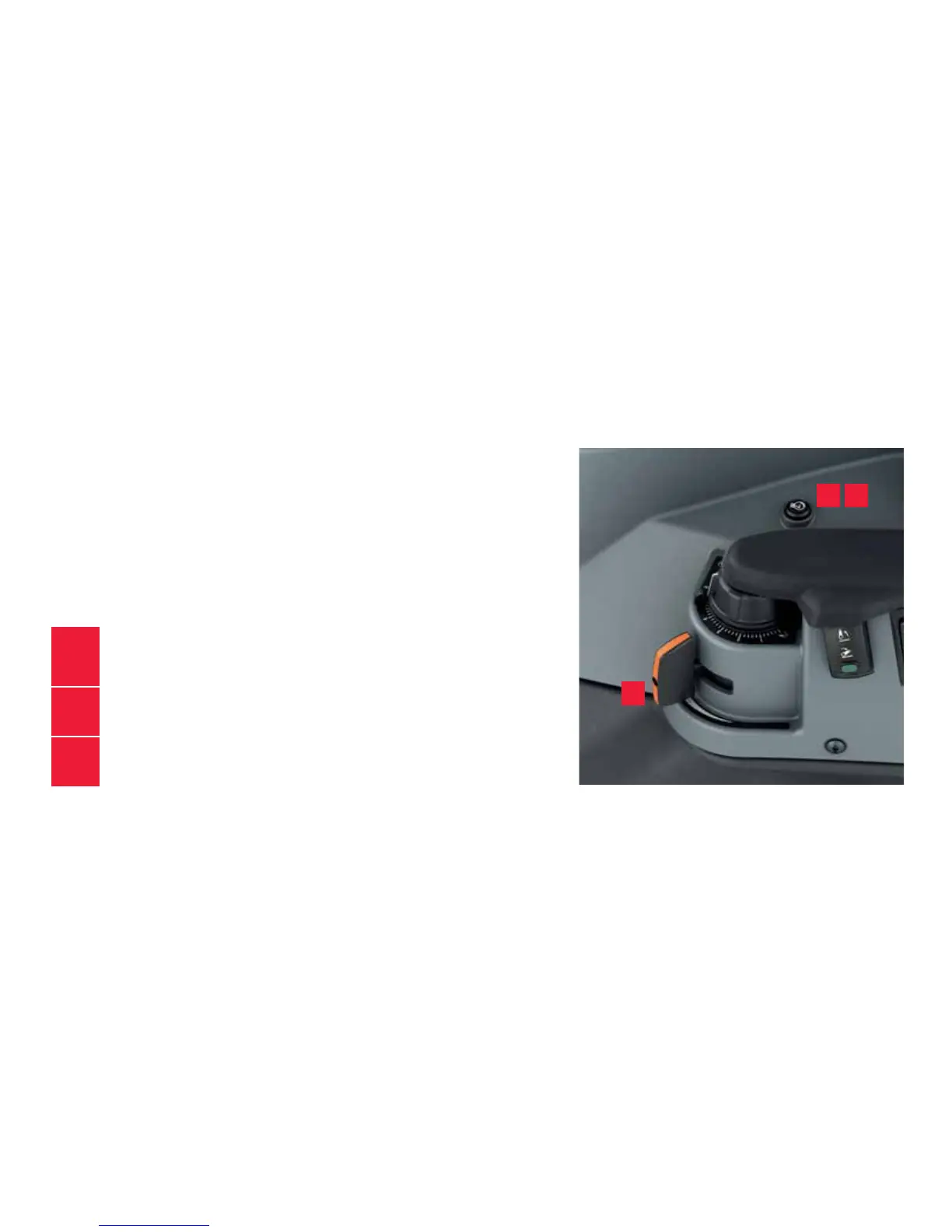
With the engine speed memory you can easily use
a certain engine speed for example in PTO-use. You can
control the engine speed memory with the
button on the right side panel.
Setting and using engine RPM memory
1.
Choose required engine RPM with accelator pedal or hand throttle
2.
Press the engine RPM memory button for 3 seconds
You will hear a sound and a symbol in instrument panel will light up.
3.
Turn the RPM memory on and off by pressing the
engine RPM memory button for 1 second
ENGINE
RPM MEMORY
1
2 3
14


 To Next Page