FRONT LOADER
WORK
WITH ELECTRONIC CONTROLS
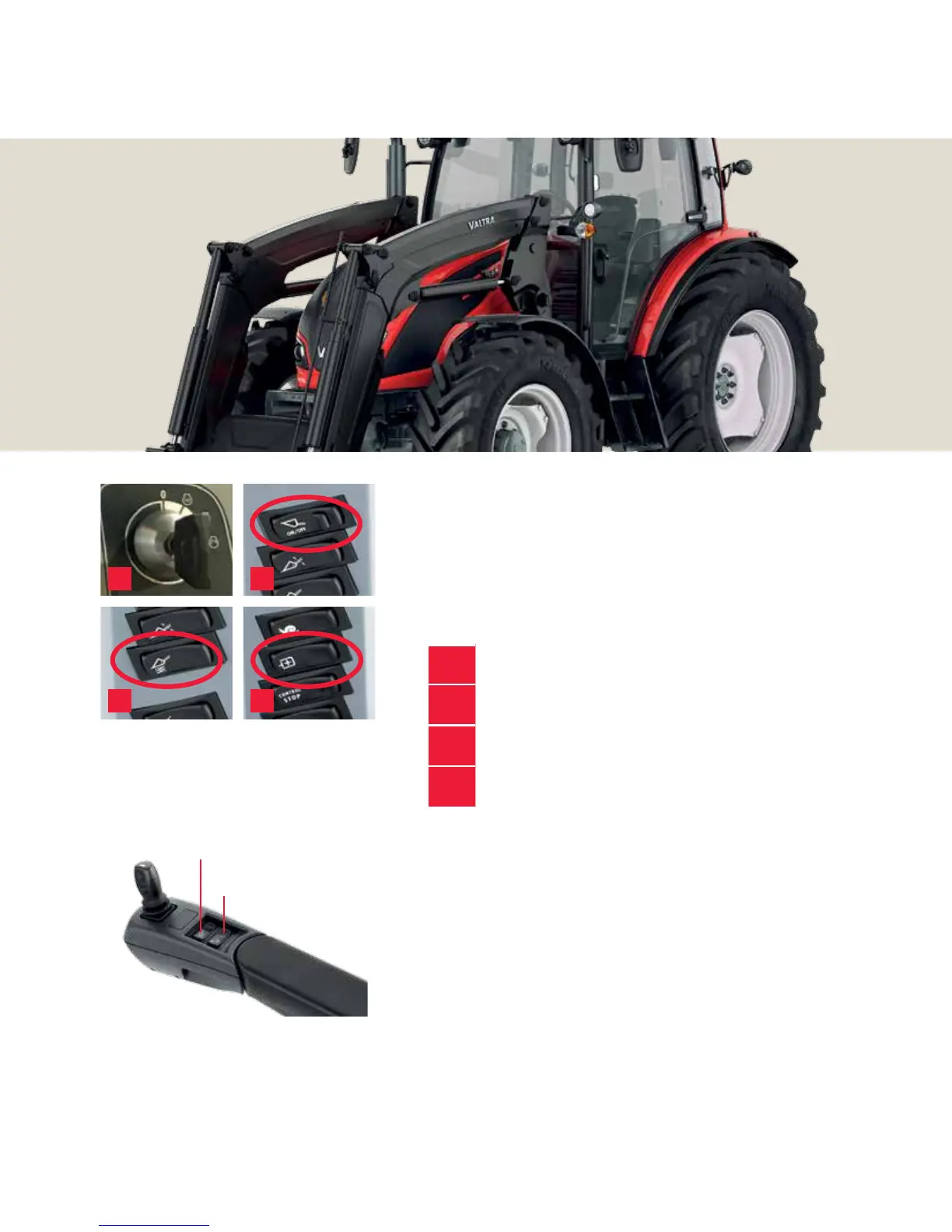
1.
Push down the clutch pedal and start the engine.
2.
Switch on the front loader (safety switch on side pillar)
3.
Switch on the SoftDrive if needed
4.
Combine the hydraulic ow from two pumps
to increase the hydraulic ow
Tip To attatch and release implements, use hydraulic implement lock.
Push the rocker switch on B pillar and at the same time upper button
in joystick and move it to left or right.
Tip Remember the AutoTraction and power shuttle start features and
minimise your clutch pedal use.
Tip If you need long time oating position, e.g. in snow plowing, use
FL1. If you need only short times oat position, switch FL2 on. Then
you can engage oat with joystick’s lower button and disengage with
upper button.
3 4
1 2
Switch for continuous oating
position ON OFF (FL1)
Switch for oating position
activation (FL2)
19



 To Next Page