DATE AND TIME CHANGE
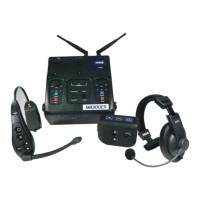
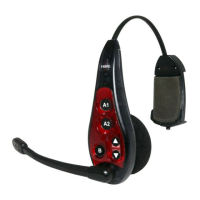
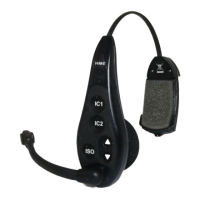
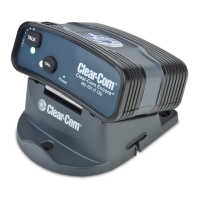
EOS|HD and Ion|IQ Headset Systems
If you have any additional issues or wish to speak with one of our technical support representatives, please
call us at 1-800-848-4468, and pick options 1, 2 and 3.
Navigation
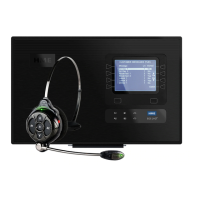
• The 8 buttons on the left and right sides of the screen
are similar to an ATM machine. They will select the
option that’s on the screen next to it.
• When options for and appear, this will move your
character selection to the left and right.
• When options for + and – appear, this will increase or
decrease the value of the selected character or setting.
• The BACK button below the screen on the left will
show you the previous screen.
Temporary Access Codes
In the event you need to enter a password to get access
to the headset system, please use these codes based on
the current time of your system. Please note that they
are only valid for Sunday, March 8
th
2020:
Push the Menu button. If you don’t
see this, push BACK until you do.


 To Next Page