Seite 76 von 99
8. Wheel Spin Functionality
Common Features
A wheel spin can be started when the machine is idle, when the star menu is active, when data is being
entered manually and during user calibration, minimisation and some service codes. When the wheel spin
starts the display is cleared of all data and a beep is generated. When the spin is completed successfully
a beep is generated and the results are displayed if the weight placement mode allows this (see above),
and the bar graph(s) are enabled.
Errors which can be generated during a wheel spin are as follows;
E22 Speedup timeout
E23 Speed not reached
E24 Speed low
E26 No Acceleration
E27 Slip Detected
E28 Speedlimit
If one of the above errors is displayed the spin is aborted, the wheel is braked and the balancer returns
to the idle state.
If the wheel rotates in the wrong direction above a preset speed "E25 reverse error" is generated. This
error resets when the speed is reduced to a near stop.
B9000 Specific Features
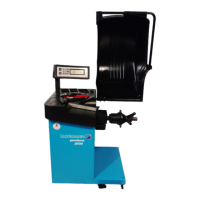
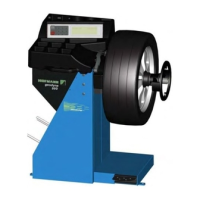
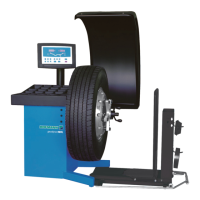
A wheel spin is started using the B9000 by hand-spinning the wheel. It is stopped by pressing the stop
key.
B9450 Specific Features
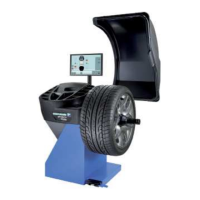
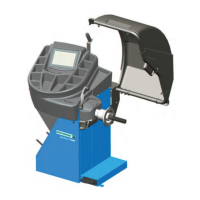
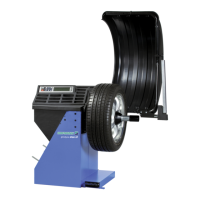
A wheel spin is started by lowering the hood. It is stopped by raising the hood or pressing the stop key.
B9460 Specific Features
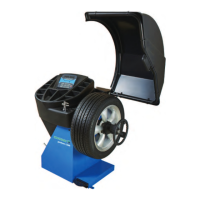
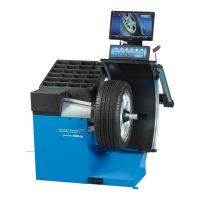
A wheel spin is started by lowering the hood. It is stopped by raising the hood or pressing the stop key.
The wheel spin is a high speed spin. Slip detection can be disabled for one measuring run by holding
down the return key while lowering the hood.
9. Auto-Off Mode
B9000 Specific Features
If the balancer is not used for 5 minutes or more, the display is turned off to conserve power. Upon
pressing a key, starting a measuring spin or removing the SAPE the display is re-enabled.



 To Next Page