13
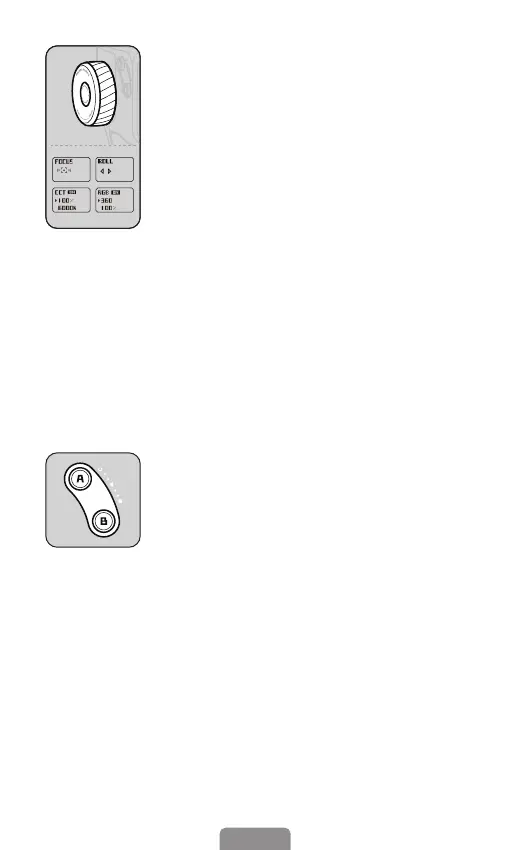
Buttons for A-B motion
For timelapse shooting, long-press button A/
B to set the start/end point to record the A-B
motion timelapse.
Long press button A/B: A/B as start/end point
(A short beep signifys successful setting.)
Press button A/B once: Quickly return to the
point A/point B.
Press button A/B twice: Return to the point A
/ point B from the current point at a constant
speed. You will hear a short beep as the
movement begins or ends. (Duration by
default: 1 minute. You can customize duration
in the app.)
Multifunctional control wheel
Press twice: Focus/Roll switch
Focus: Focus control (Only available in the
Hohem Joy.)
Roll rotation: +/-45°
Press three times: CCT/RGB switch
CCT: Adjust color temperature and brightness
of cold/warm light.
RGB: Control color and brightness of RGB light
Press and hold: Turn on/o CCT ll light
or RGB light (Among the 4 modes above,
"ON"/"OFF" occurs only in CCT/RGB mode.)
Press once: Select option (Only available for
CCT/RGB mode.)



 To Next Page