07
AI Tracking
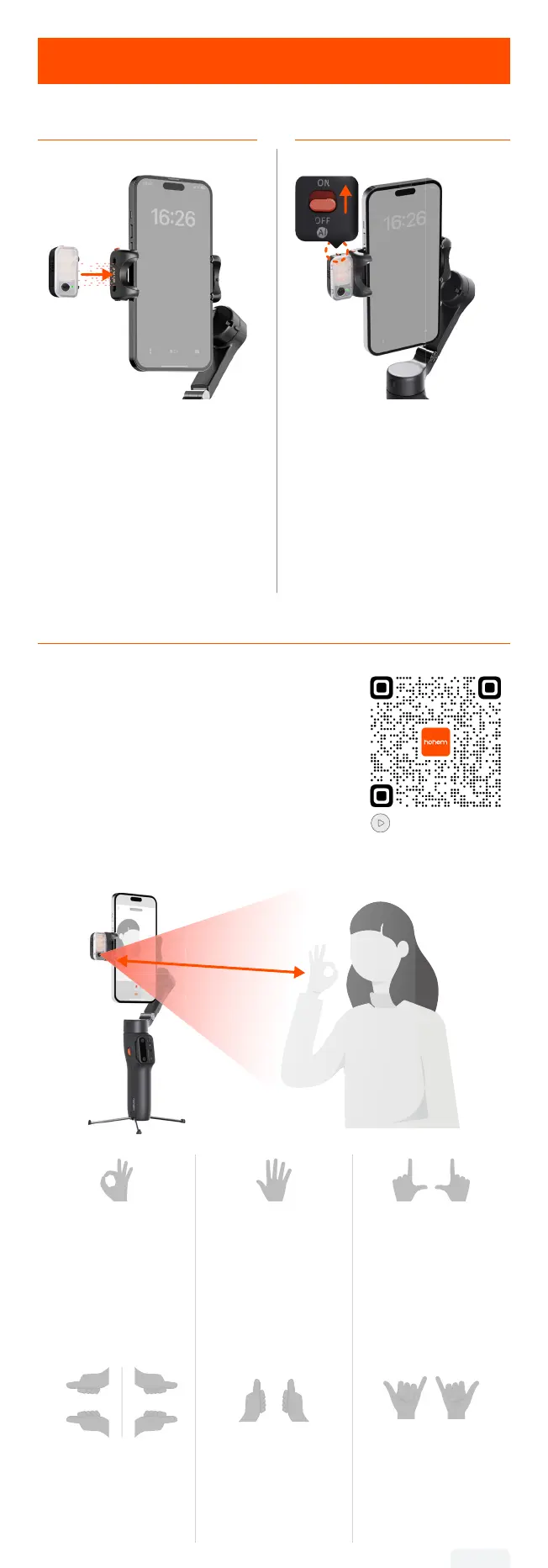
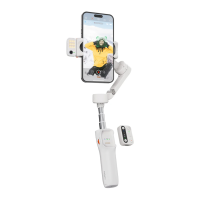
Mount the AI Tracker Turn on the AI Tracker
Attach the magnetic AI tracker,
aligning the magnetic mount.
Toggle the switch to "ON".
The ll light will ash twice
quickly to indicate successful
activation.
*Toggle the switch to "OFF" to
turn o the AI Tracker.
Gesture Control
Show gestures to the AI Tracker from
0.5-1.5m/1.64-4.92ft away.
Tutorial Video
0.5-1.5m
1.64-4.92ft
Start AI tracking
(Indicator light turns
green)
Stop AI tracking
(Indicator light turns
red)
Customized
Composition
(Indicator light
ashes green
quickly)
Landscape
Portrait
Shutter Control:
Photo/Video
*Bluetooth
connection needed.
06


 To Next Page