Customized Composition
How to make AI vision positioning adjustments?
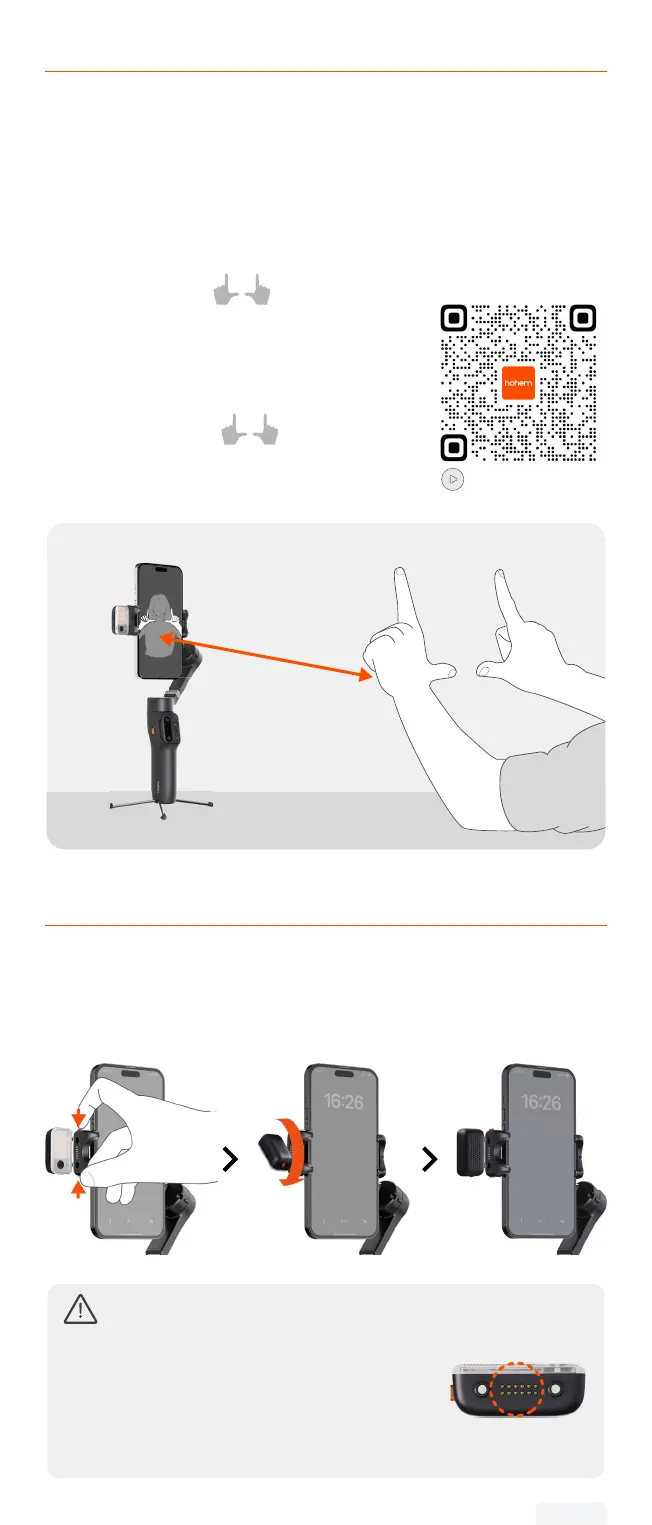
If the framed subject cannot be centered on the phone/camera
screen, or you want to customize the AI vision position to be
tracked:
① Make sure the gimbal & AI vision sensor
are on.
② Take the gesture towards the AI
vision sensor and the indicator blinks
green quickly.
③ Move in front of the screen until you nd
the preferred position to be tracked.
④ Show the gesture to lock the
position and create ideal composition
(the indicator stops ashing).
Tutorial Video
0.5-1.5m
1.64-4.92ft
Front/Rear Tracking
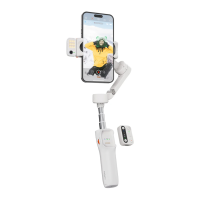
Press and hold the safety locks on both sides of the phone clamp at
the same time to unlock it. Remove the AI tracker, rotate it 180°,
and then mount the AI tracker.
① Attempting to remove the AI tracker without unlocking
it rst may result in structural damage to the product.
② When using the AI tracker, it is
normal for the pogo-pin at the bottom
to become hot. Please avoid direct
contact to prevent burns!
07


 To Next Page