Attachments C250 ... C370
158 Translation of Original Operating Manual 156319-04
Safety notes for operating hydraulic devices
and attachments
DANGER
Danger of accident
•
Prevent persons from being
present in the danger zone of the
rear end and the attachments
when the hydraulic equipment is in
operation
DANGER
Risk of irritation
•
In case of injury due to leaking
fluids (oil, etc.), immediately con-
sult a doctor
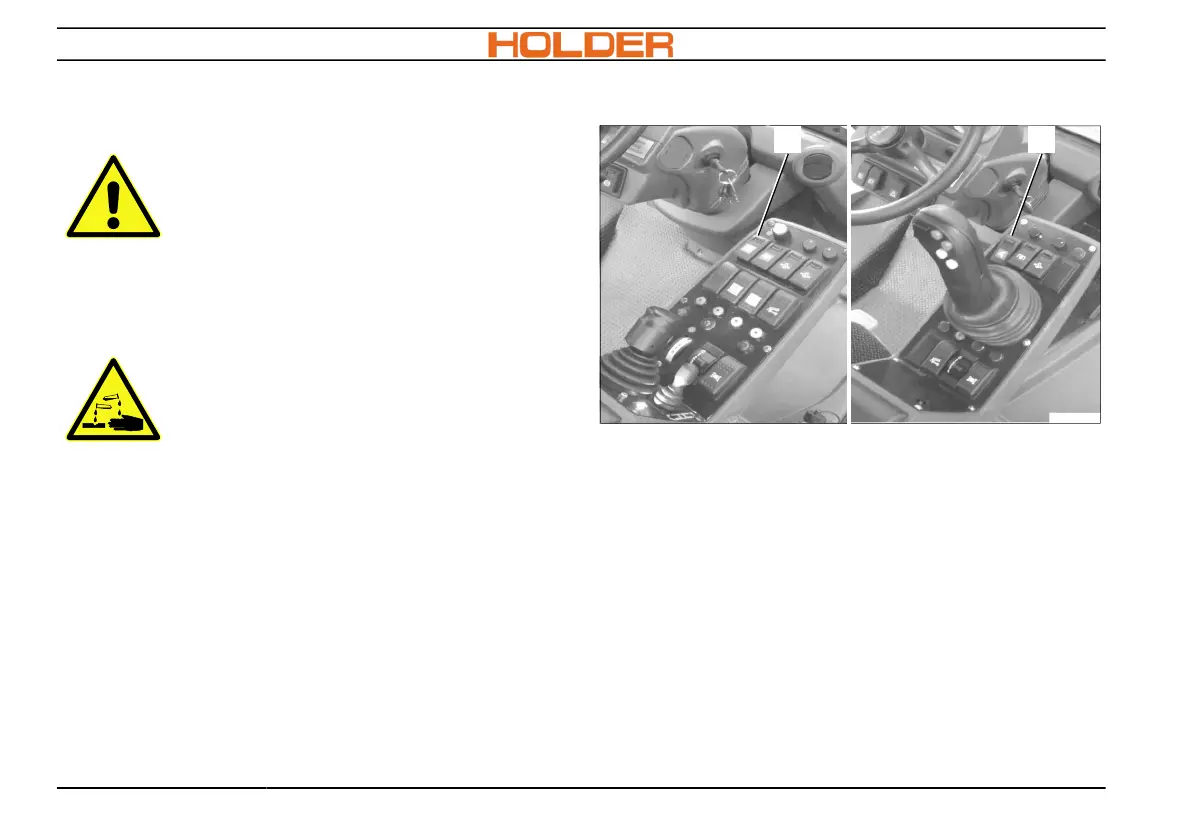
Switching on hydraulic functions
All hydraulic functions are switched on and off with
the master switch (13).
1. Unlock the switch (13) and press the switch
down.
All hydraulic functions are available. Indicator lamp
lights up.
2. Select the desired hydraulic function.
3. Switch off the master switch (13) after the
hydraulically assisted operation has been
completed.
All hydraulic functions are switched off.



 To Next Page