8
Programming
STEP 2. Set Watering Days
This unit has a 7 day calendar with individual day selection.
Turn the dial to Set Watering Days.
Individual Day Selection
This is the selectable day option.
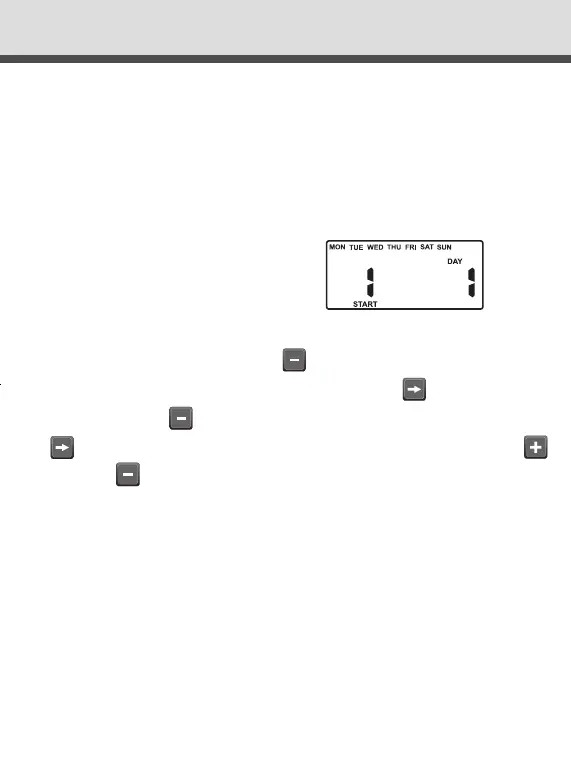
The display will show:
This refers to Mon being Day 1.
To turn Monday off, press button
. To leave Monday active, leave as
is & advance to Tuesday (day 2) by pressing the button.
Again press the button to set the day off if required followed by
to advance. Continue until all seven days have been set “ON”
or “OFF” .
Odd / Even Day Selection (Optional)
In some regions, users are only allowed to water their gardens on
ODD dates if their house number is ODD, or on EVEN dates when
their number is EVEN.
This controller allows this to be done simply by setting the relevant
selection of ODD or EVEN and setting the current date into the
controller. The controller will account for leap years.
DialEZY Controller 4 & 6 Station Instruction Manual Rev03.indd 8 10/06/2016 11:28 AM



 To Next Page