9
Programming
STEP 3. Set Station Run Times
This is the length of time that each station (valve) is set to water on a
particular program. Maximum watering time is 12 hours 59 minutes for
each station. A station can be assigned from 1 to 4 starts if required,
with different run times. Set one start at a time
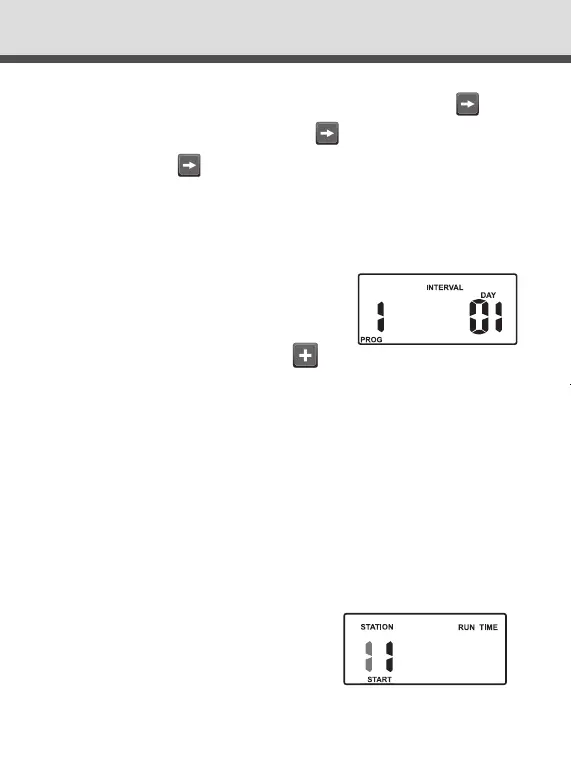
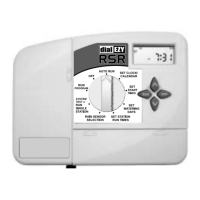
Turn the dial to the Set Station Run Times
position and the display will show
the following.
This means station 1 is set to “OFF” in Start 1. “Station 1” will be
ashing.
OFF
If you require the ODD / EVEN day option, simply press the
button until “EVEN” is shown. Press the button and “ODD” will
be shown. Press the button and “ODD-31” . This feature may
be required in areas where water restrictions are enforced.
Note: Remember to set the 365 day calendar when setting the
clock, or this feature will be out of sequence.
Interval Day Selection
“Interval 1” will be ashing.
This means that watering will occur every day.
To change the interval day, press the button.
Examples: Interval 2 means watering will take place every second
day, 3 means watering will be every third day etc.
Interval watering can be set from everyday to every 15th day. The
Run Day refers to the number of days before the next watering
program will occur.
DialEZY Controller 4 & 6 Station Instruction Manual Rev03.indd 9 10/06/2016 11:28 AM



 To Next Page