7
Programming
Each start time can be programmed individually to suit your watering
requirements
STEP 1. Set Start Times
All valves will activate in sequential order for each start time. Turn the
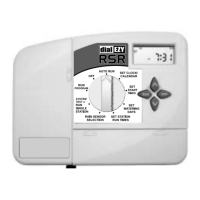
dial to Set Start Times.
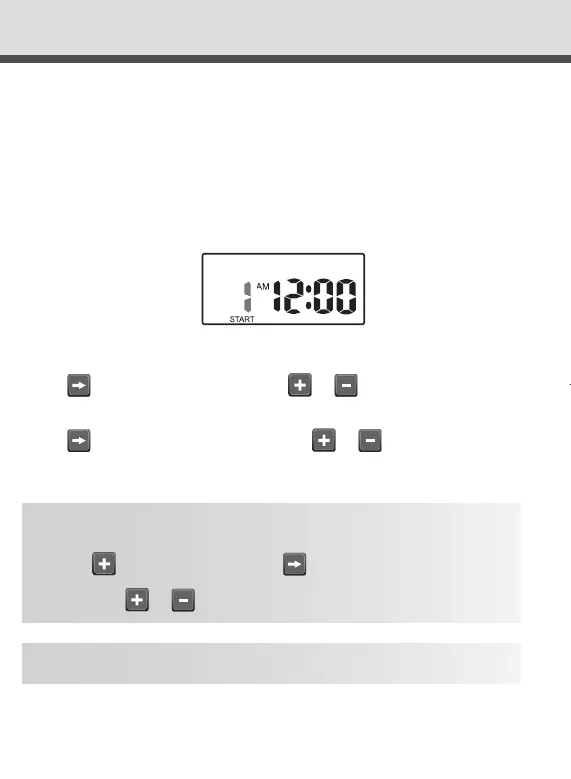
The display will show:
“Start 1” will ash.
Press & the “hour” will ash. Use or to adjust.
Note: AM / PM is set correctly.
Press & the “minutes” will ash. Use or to adjust, if
required.
To turn an active start time off, turn the dial to the Set Start
times position, Select the start number required using the
button and then press until the “hour” is ashing.
Use or until “OFF” is shown.
“OFF” position is between 12 and 11pm.
TIP
TIP
Setting Start
TIP
To return to the clock, press ,
or turn dial to another position.
DialEZY Controller 4 & 6 Station Instruction Manual Rev03.indd 7 10/06/2016 11:28 AM



 To Next Page