HOLMS 300
16 © HOLMS INDUSTRI AB, ALL RIGHTS RESERVED 141204.
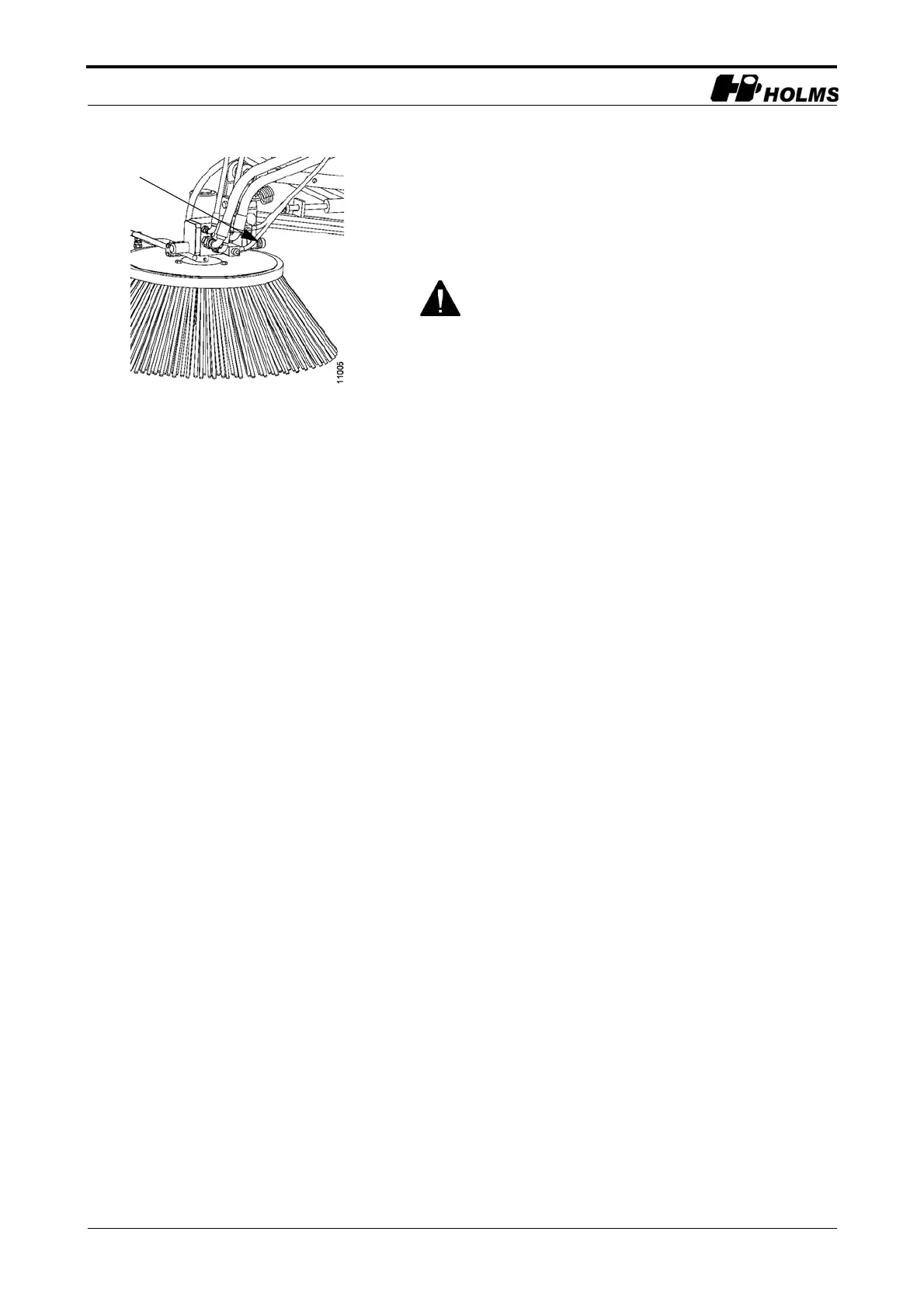
The number of turns can be adjusted as desired using the
adjusting wheel on the flow control valve (see figure 11).
When stopping the side brush, move the switch to
position 1 and hold it there for a few seconds until the
brush stops and lifts up.
The side brush must always be in its upper, locked
position during all transportation and emptying.
Adjusting wheel
11.Flow control valve


 To Next Page