EasyManua.ls Logo

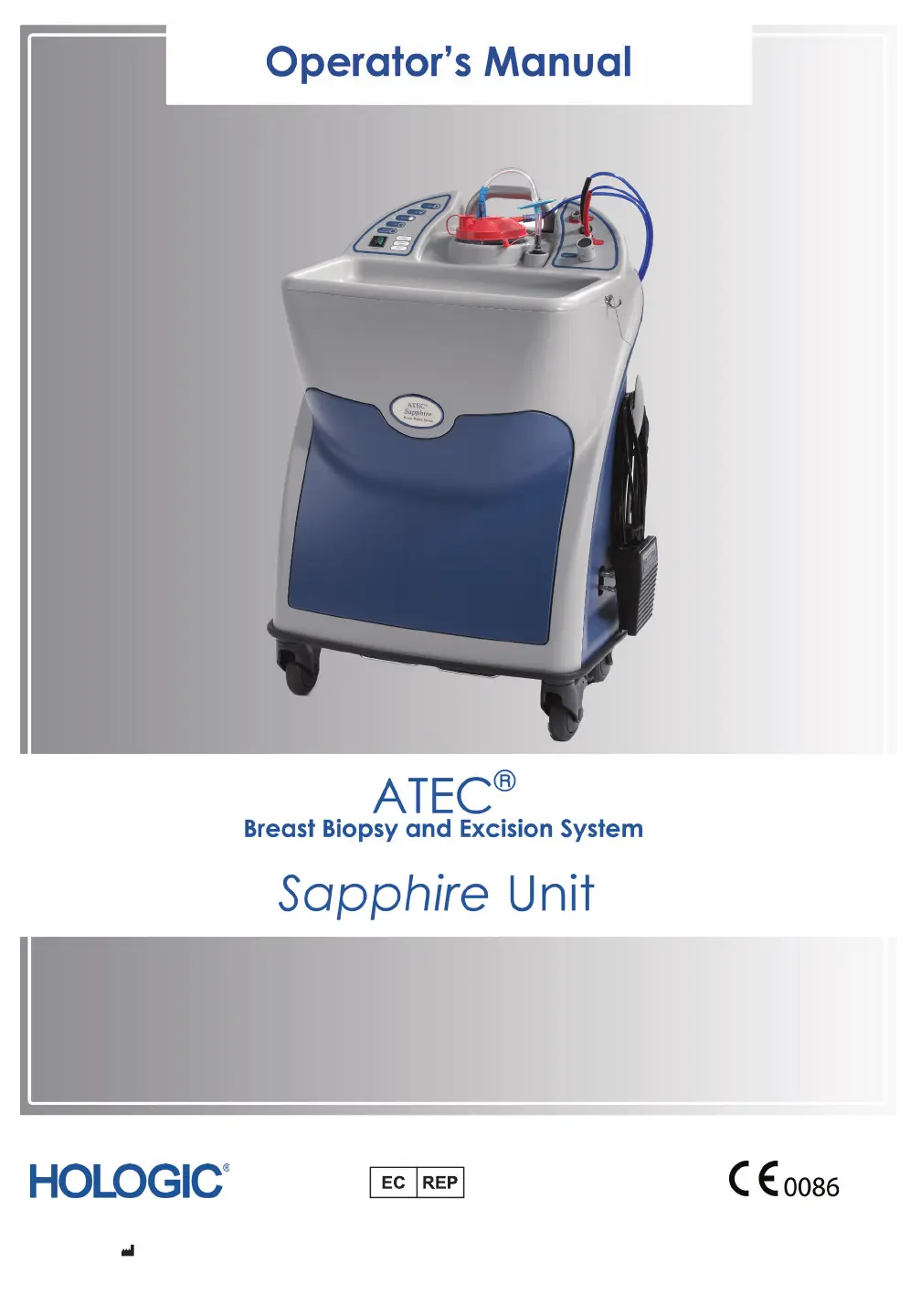
Hologic ATEC SAPPHIRE - User Manual

Hologic ATEC SAPPHIRE
36 pages
Print Icon
To Next Page IconTo Next Page
Loading...
Hologic, Inc. | 250 Campus Drive | Marlborough, MA 01752 USA
www.hologic.com | 877.887.8767
=
Hologic UK Ltd.
Unit 2, Link 10, Napier Way
Crawley, West Sussex, RH10 9 RA, UK
Hologic Ltd.
Heron House Oaks Business Park, Crewe Road
Wythenshawe, Manchester. M23 9HZ, UK

Questions and Answers

  • M
    markedwardsAug 16, 2025
    What to do if the “Retest Handpiece” indicator illuminates on Hologic ATEC SAPPHIRE?
    • S
      Shannon BrewerAug 16, 2025
      If the “Retest Handpiece” indicator illuminates in “Test” mode on your Hologic Medical Equipment, check that the handpiece fittings are correctly plugged into the console. Connect the red banded line on the handpiece into the appropriate “MRI” or “STX/US” red receptacle on the console, and the black banded line to the black receptacle. If the issue persists, retain the handpiece, record the Lot Number, and contact Hologic Customer Support or your distributor, as the handpiece may be defective.
  • B
    bradleyshelbyAug 26, 2025
    How to improve the quality of biopsy cores when using Hologic ATEC SAPPHIRE?
    • R
      Ryan LevyAug 27, 2025
      To improve the quality of biopsy cores or address the issue of having no cores when using Hologic Medical Equipment, consider the following: * Ensure there is adequate vacuum at the tip of the handpiece cannula by checking the suction canister lid is properly seated, replacing the suction canister if cracked, ensuring the large port on the suction canister lid is capped, and verifying all suction fittings are correctly connected. * Replace the handpiece if the inner cutting cannula isn't sharp or if the tissue filter is blocked by blood. * Make sure the saline line is correctly inserted into the pinch valve. * If performing a stereotactic procedure, reduce the compression on the breast.
  • L
    lawrencezavalaNov 4, 2025
    What to do if the “Vacuum Ready” indicator flashes on my Hologic ATEC SAPPHIRE Medical Equipment?
    • F
      Frank MaloneNov 5, 2025
      If the “Vacuum Ready” indicator flashes, doesn't illuminate in “Setup” mode, or the “Return to Setup” indicator illuminates in “Test” mode on your Hologic Medical Equipment, check the following: 1. Ensure the protective sheath is fully installed on the handpiece cannula tip. 2. Confirm the suction canister lid is correctly seated on the canister. 3. If the suction canister is cracked, replace it. 4. Verify the large port on the suction canister lid is capped with a large plug. 5. Check that the handpiece suction fitting is connected to the suction canister. 6. Make sure the handpiece suction fitting is connected to the horizontal port marked “patient” on the suction canister lid. 7. Ensure the console vacuum line is connected to the port marked “vacuum” on the suction canister lid....

Summary

Warnings and Precautions

Safety and Electrical

Covers essential electrical safety guidelines and potential hazards when operating the ATEC Sapphire unit.

Maintenance and Storage

Provides instructions for proper maintenance, cleaning, and storage of the ATEC Sapphire unit.

Introduction

Indications

Contraindications

Notes on the MRI Environment

Notes on the Stereotactic and Ultrasound Environment

Components

Product Nomenclature and Disposable Product Selection

ATEC Handpiece Compatibility

Console Controls and Functions

Console User Interface

Description of the ATEC Sapphire console's user interface elements and their functions.

ATEC Unit Setup and Component Connections

ATEC Power Cord Connection and Circuit Breaker

Instructions for connecting the power cord and understanding the circuit breaker function.

Console External Components Overview

Detailed identification and function of the ATEC Sapphire console's external components.

ATEC Footswitch and Vacuum Line Assembly

ATEC Footswitch Connection

Instructions for connecting the ATEC footswitch to the console.

ATEC Vacuum Line Assembly

Guide for assembling and connecting the ATEC vacuum line and suction canister.

ATEC Handpiece and Eviva Biopsy Device Connections

Operating Instructions and Guidance

Unit Check Out Procedure

Procedure to verify the correct operation of the ATEC Sapphire unit after setup.

Operating Modes and Guidance

Guidance on operating the ATEC Sapphire unit for MRI, stereotactic, and ultrasound procedures.

Handpiece Operation

Detailed instructions on how to operate the ATEC handpiece during a biopsy procedure.

Troubleshooting Common Issues

Setup and Power Issues

Lists potential issues during setup and their corresponding remedies.

Biopsy Core Quality Issues

Troubleshooting steps for issues related to poor or absent biopsy core samples.

Warranty Information

Service and Maintenance

Recommended Maintenance Schedule

Schedule of recommended activities for maintaining the ATEC Sapphire unit.

Field Replaceable Items

Footswitch Assembly Replacement

Procedures for removing and installing the ATEC footswitch assembly.

Vacuum Line Assembly Replacement

Instructions for removing and installing the ATEC vacuum line assembly.

Power Cord Replacement

Cleaning Instructions

Console Cleaning

Specific cleaning instructions for the ATEC Sapphire unit console.

Footswitch Cleaning

Specific cleaning instructions for the ATEC footswitch.

Owners Record

Console Specifications

Component Specifications and Environmental Conditions

ATEC Footswitch - MRI Compatible

Specifications for the MRI-compatible ATEC footswitch.

ATEC Handpiece Specifications

Technical specifications for the ATEC handpiece, including dimensions and needle sizes.

Eviva Biopsy Device Specifications

Technical specifications for the Eviva biopsy device, including dimensions and needle sizes.

Storage and Transport Environmental Conditions

Recommended environmental conditions for storage and transport.

Electromagnetic Compatibility and Environmental Information

Operating Environmental Conditions

Specifies the operating environmental conditions for the ATEC Sapphire unit.

Electromagnetic Emissions and Guidance

Information on electromagnetic emissions, compliance, and intended use environment.

Electromagnetic Immunity and Separation Distances

Details electromagnetic immunity test levels and recommended separation distances for RF equipment.

Classification and Disposal

Classification of electrical safety and WEEE disposal information.

Product Symbols and Definitions

Common Product Symbols

Explanation of symbols related to reuse, caution, temperature, batch code, and sterility.

Regulatory and Safety Symbols

Explanation of symbols related to EC REP, humidity, type BF, WEEE, and grounding.

Important Contact Information: U.S. & Canadian Customers

Important Contact Information: International Customers

Appendix A: Stereotactic Adapter

Performing Biopsy with Stereotactic Adapter

Step-by-step instructions for performing a biopsy using an ATEC stereotactic adapter.

Stereotactic Adapter Cleaning

Instructions for cleaning the stereotactic adapter used with the ATEC system.

Hologic ATEC SAPPHIRE Specifications

General IconGeneral
CategoryBreast Biopsy System
ManufacturerHologic
ModelATEC SAPPHIRE
Power Requirements100-240 VAC, 50/60 Hz
GuidanceStereotactic
CompatibilityHologic stereotactic imaging systems

Related product manuals