1.
The UFU will announce a greeting followed by its charge
status. Verify the UFU is at least 50% charged prior to starting
the procedure.
2.
When an image of the probe keypad with a flashing ‘M’
button is displayed, the UFU is ready to link with a TruNode®
Probe.
3.
Clamp the UFU securely to an IV pole in a location that is easy
to see by the user.
NOTE: After connecting to a probe, the UFU must be turned ‘off’
then back ‘on’ before attempting to connect to a new probe.
Deploying the Probe
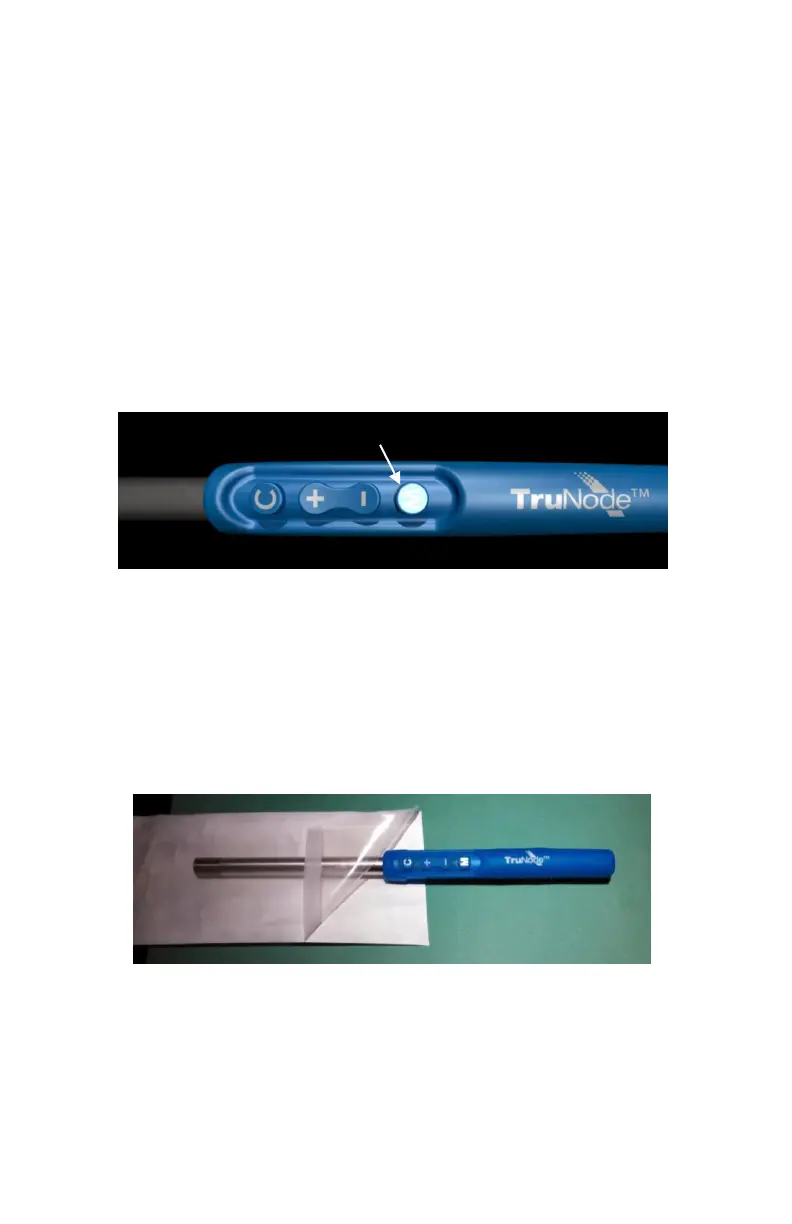
1. Remove the Probe from the sterile peel-pouch, using
aseptic technique.
2. Activate the Probe by pressing and holding ‘M’ button until the
light on the Probe keypad flashes. This indicates the Probe has
been activated. The live TruNode®
application will start when the
UFU senses the Probe.














 To Next Page