5.
USING THE CONTROLS
NOTE: Each button can be: 1) momentarily ‘clicked’ or 2) held
down for ~2 seconds to initiate a function. The UFU will announce
the function.
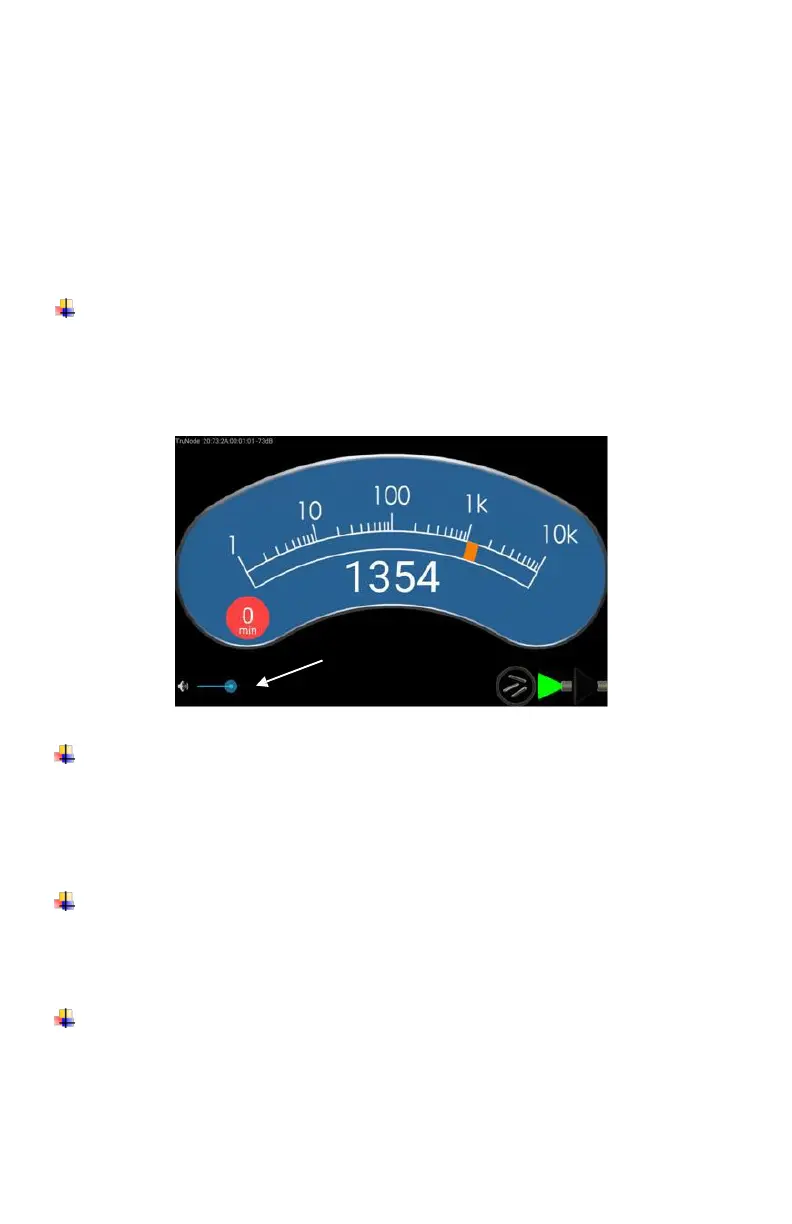
To adjust the audio count-rate feedback volume: Click the ‘+’
or ‘-‘ button on the probe. A slider bar on the UFU displays the
volume. The volume of the announcements cannot be
adjusted.
To mute the audio feedback volume: Repeatedly click the ‘-‘
button on the Probe until the UFU announces “Muting Probe.”
The audio level slider bar will be minimized and the speaker icon
will be displayed in red.
To change the mode of the Probe from ‘Scan’ to ‘Point’: Click
the ‘M’ button on the Probe handle. The selected mode is
displayed on UFU.
To change the mode of the Probe to ‘Seed’ from ‘Scan’ or
‘Point’: Hold the ‘M’ button down 2 seconds. Seed mode is
displayed on UFU.














 To Next Page