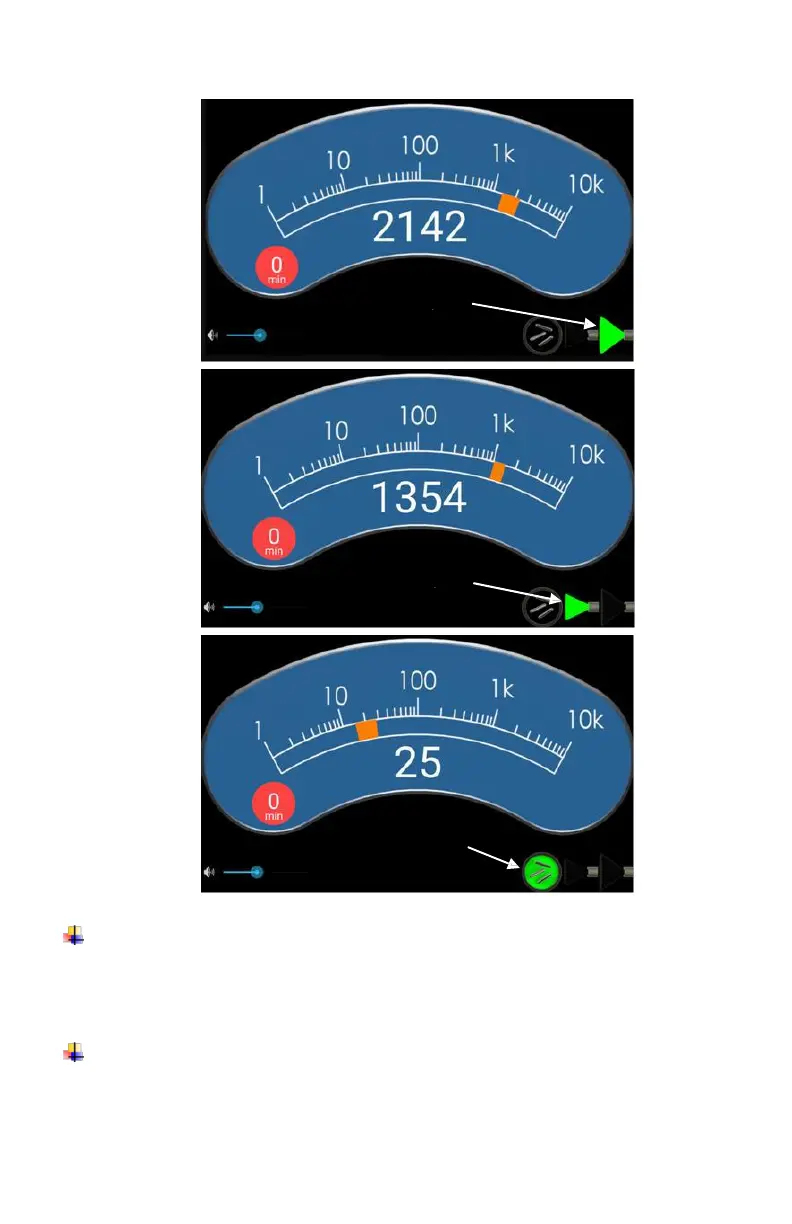
To announce the instantaneous count rate: Click the ‘C’
button. The UFU continuously displays the instantaneous
count rate.
To get an averaged count rate: Hold the ‘C’ button for 2 seconds
– at which time “Recording Counts” will be announced – then a
countdown to “Zero” while the integration completes – and
finally the averaged count rate is announced and displayed on














 To Next Page