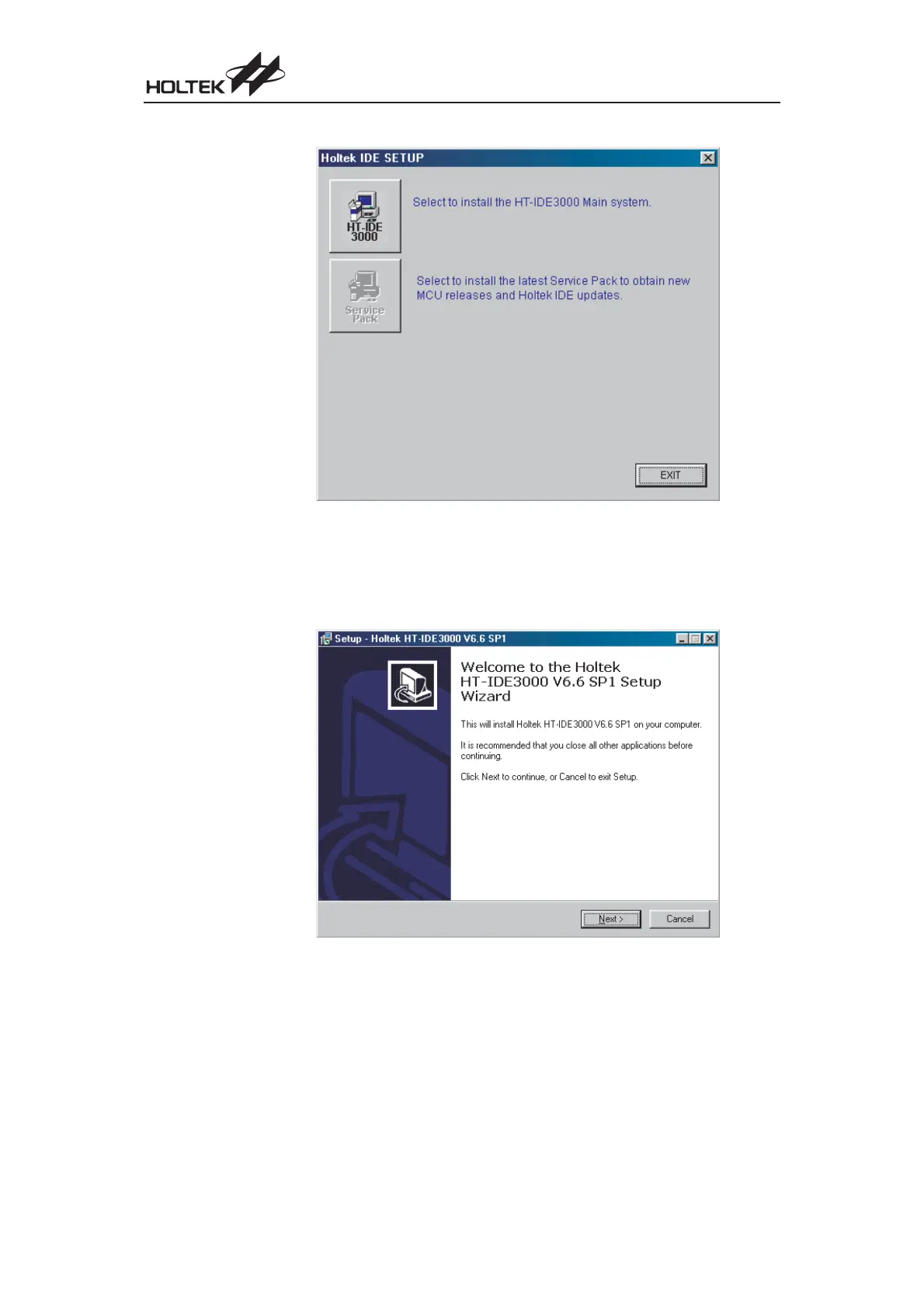
Click <HT-IDE3000> button and the following dialog will be shown.
Click <HT-IDE3000> or <Service Pack> as you want.
Here¢s an Example of installing HT-IDE3000
Click <HT-IDE3000> button.
· Step 2
Press the <Next> button to continue setup or press <Cancel> button to abort.
90
Cost-Effective I/O Type MCU



 To Next Page