10 / 24
HOMAG CUBE
Smart device 4.6.2
9082462090 _ 100210512 _ 82 _ ENU _ 00
3.3.2 Menus and options
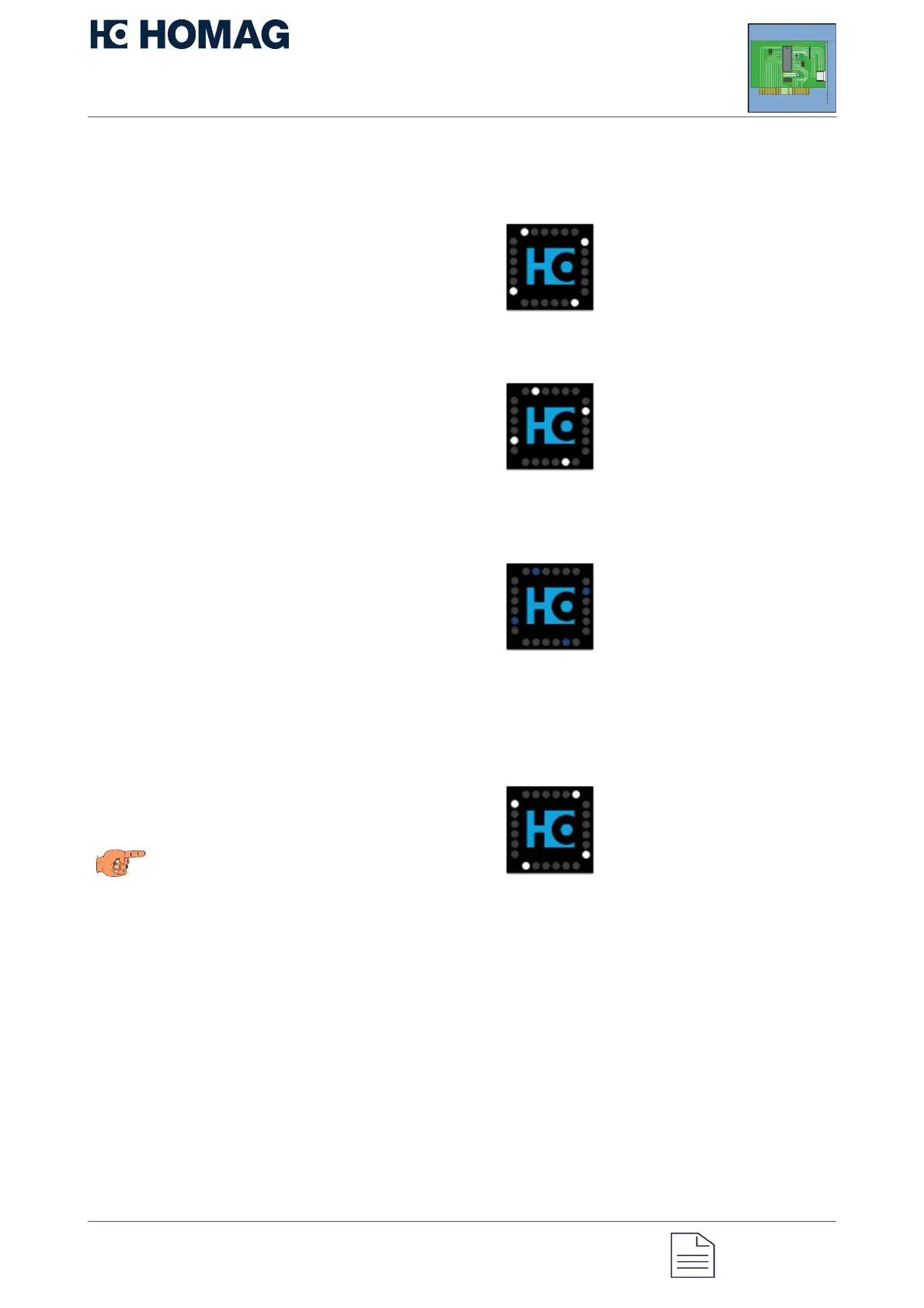
Display for the main menu
The main menu is displayed with a blue logo.
When you jump to the main menu, the first
option is always preselected.
Option: Remote diagnostics
The second option in the main menu allows
you to activate or deactivate the remote
diagnostics connection.
You can thus switch between the two
statuses activated and deactivated.
When the remote diagnostics connection is
deactivated, the second LED of the status
display lights up white.
When remote diagnostics is activated, the
second LED of the status display lights up
blue.
Option: Restore factory settings
With the sixth option, you can restore the
factory settings. Executing the sixth option
resets the password to the initial password.
When this option is selected, the sixth LED
lights up white.
Note
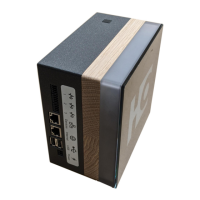
The password for the factory setting can be
found on the type plate of the CUBE. This is
located on the rear.


 To Next Page