HOMAG CUBE
Smart device 4.6.2
9 / 249082462090 _ 100210512 _ 82 _ ENU _ 00
3.3.1.3 Exiting the menu
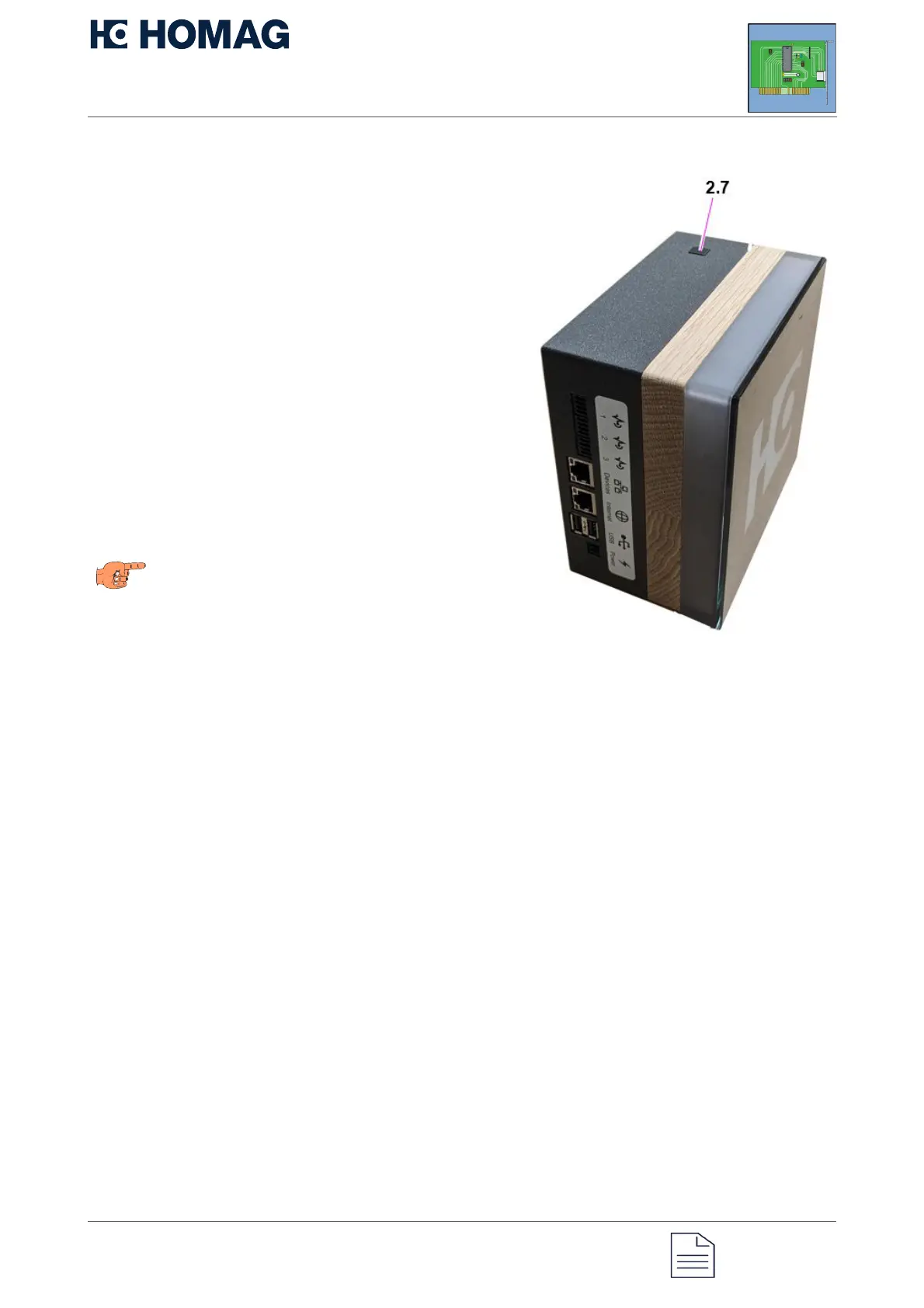
To exit the main menu or a submenu,
press and hold button 2.7 for more than 4
seconds.
During these 4 seconds, the display
changes its status twice.
After 2 seconds, the display changes
to the status for executing the current
function.
Do not release the button at this point,
otherwise you will execute the selected
function. Keep the button pressed for
another 2 seconds.
The display now changes to the color
of the higher level menu or, if you were
already in the main menu, to the initial
state.
You can now release the button again.
If the operator does not interact within 30
seconds, the CUBE returns to its initial state.
Note
To exit the menu, do not release the button
after 2 seconds, otherwise the currently
selected option will be executed.


 To Next Page