HOMAG CUBE
Smart device 4.6.2
7 / 249082462090 _ 100210512 _ 82 _ ENU _ 00
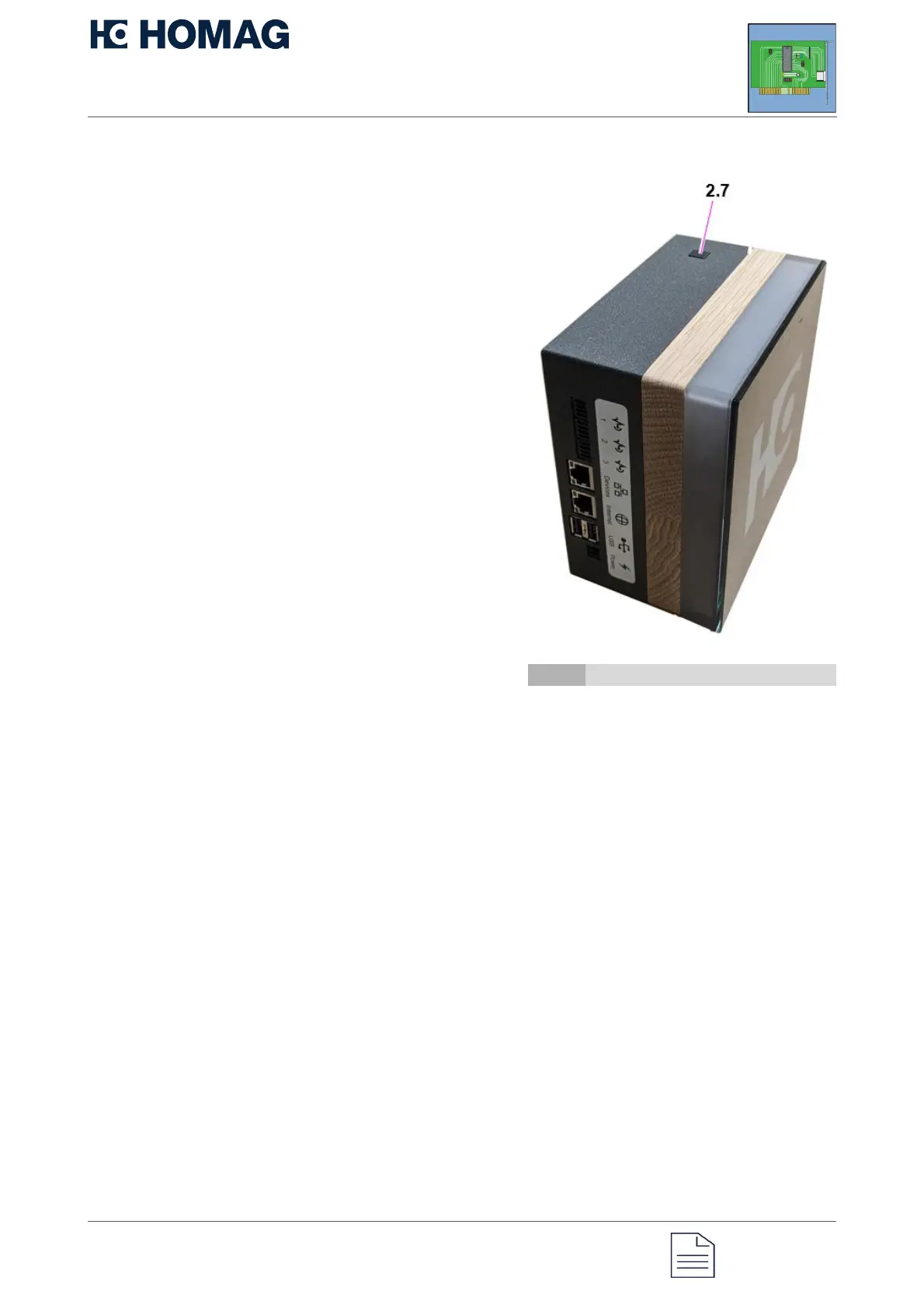
3.3 Button functions
Button 2.7 can be used to execute different
functions through different actions.
By pressing or holding the button, you can
jump into or exit the menus or submenus. The
button can also be used to execute the
various options in the menus or submenus.
The menus and options are displayed with
different colors and LEDs on the status
display of the CUBE. For some options, the
color also indicates whether they are
activated or deactivated.
If the operator does not interact within 30
seconds, the CUBE returns to its initial state.
CUBE restart
The HOMAG CUBE can be restarted as
follows:
Press and hold the button for 4 seconds.
When the button is released, the CUBE is
restarted immediately.
2.7 Sensing device


 To Next Page