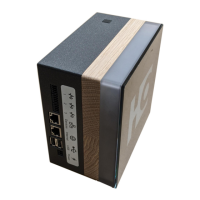
HOMAG CUBE
Smart device 4.6.2
21 / 249082462090 _ 100210512 _ 82 _ ENU _ 00
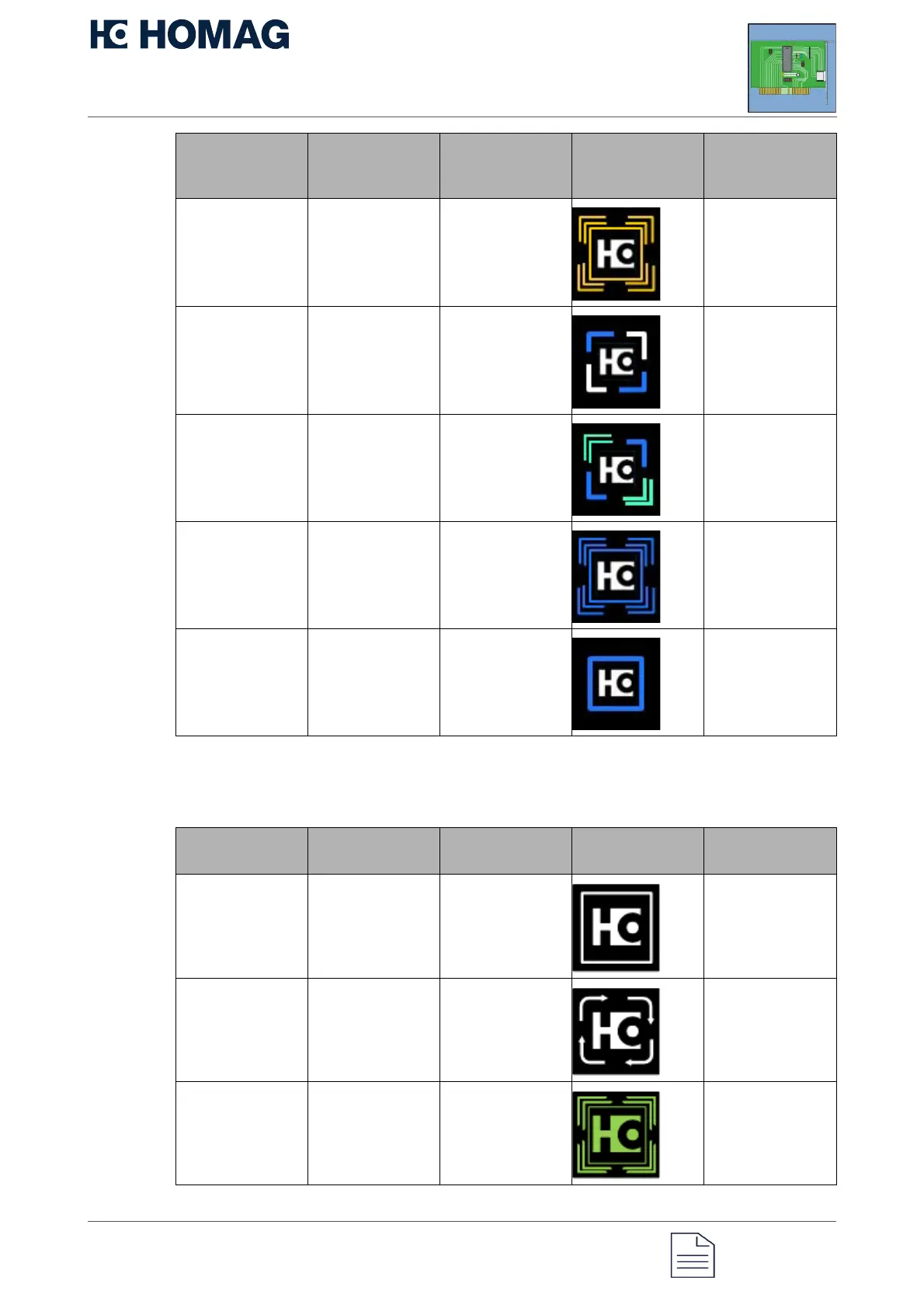
Meaning of the status display in the
menu
Error Yellow, logo
white
Flashing Open APP/open
diagnostics
Onboarding/confi
guration required
White/blue, logo
white
Flashing Open THE APP
and configure it
SSH active Turquoise/blue,
logo white
Flashing, static Wait or switch via
Web diagnostics
User action
required
Blue, logo white Flashing Open APP/open
diagnostics
Connected/norm
al operation
Blue, logo white Static No error, function
given
Meaning of
display
Color Animation Status light Note
Option in the
menu is selected
by pressing a
button
White, logo white Static
Menu item is
being executed
White, logo white Chaser lights
Menu option was
executed
successfully
Green, logo
green
Flashing
Meaning of
status display
status
Color Animation Status light Note


 To Next Page