EasyManua.ls Logo

HOMCOM 830-641V81 - User Manual

HOMCOM 830-641V81
19 pages
Print Icon
To Next Page IconTo Next Page
Loading...
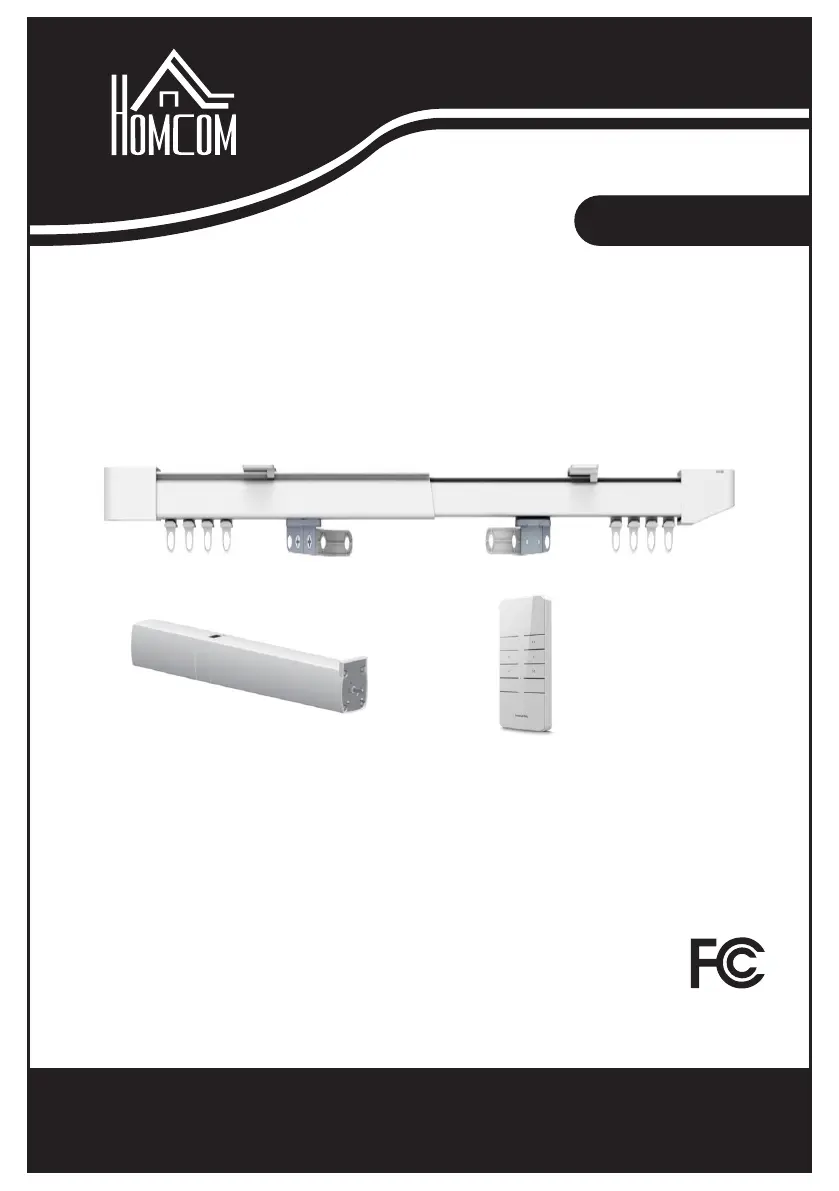
ASSEMBLY INSTRUCTION
IN220800660V01_US
830-641V81
IMPORTANT, RETAIN FOR FUTURE REFERENCE: READ CAREFULLY
Smart Curtain

Questions and Answers

  • S
    Stefanie LoweryAug 12, 2025
    What to do if HOMCOM Window Blinds curtains do not close together?
    • B
      Bethany KimAug 12, 2025
      If your HOMCOM Window Blinds curtains aren't closing together, there are a couple of things to check: 1. Verify if the direction of the emitter and switch is reversed. If so, perform the 'Switch Rotation Direction' procedure. 2. You may need to delete the existing limit positions and then reset the limit position itinerary.
  • T
    tstewartAug 19, 2025
    What to do if HOMCOM Window Blinds curtains always hit or go to the side?
    • S
      scottpinedaAug 19, 2025
      If your HOMCOM Window Blinds curtains consistently hit or go to the side, you should delete the current limit position and then reset both the limit position and boundary.
  • P
    Phillip WrightAug 27, 2025
    How to fix a reversed emitter on HOMCOM Window Blinds?
    • W
      watershaileyAug 27, 2025
      If the emitter on your HOMCOM Window Blinds is reversed, perform the 'Switch Rotation Direction'.
  • C
    Carlos HarringtonSep 3, 2025
    What causes an external switch reverse on HOMCOM 830-641V81 and how to fix it?
    • M
      Michael BlairSep 3, 2025
      If the external switch on your HOMCOM Window Blinds is reversed, replace the wire sequence of the switch.

HOMCOM 830-641V81 Specifications

General IconGeneral
BrandHOMCOM
Model830-641V81
CategoryWindow Blinds
LanguageEnglish