EasyManua.ls Logo

Home Decorators Collection 1002 227 827 - User Manual

Home Decorators Collection 1002 227 827
21 pages
Print Icon
To Next Page IconTo Next Page
Loading...
Item #1002 227 827
Model #54725
THANK YOU
THANK YOU
USE AND CARE GUIDE
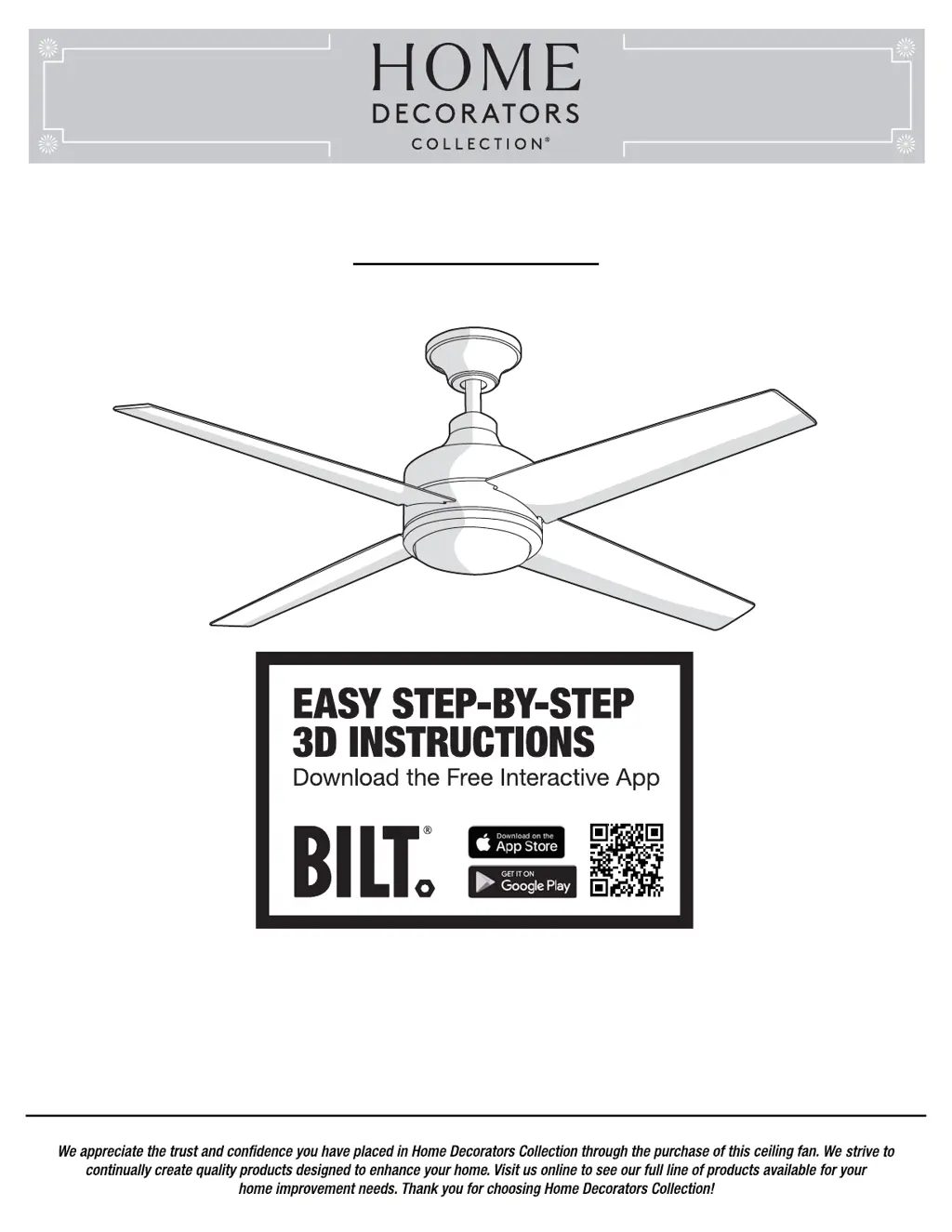
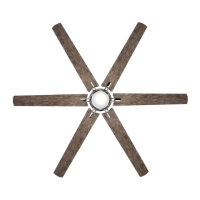
MERCER LED 52 INCH CEILING FAN
Questions, problems, missing parts? Before returning to the store,
call Home Decorators Collection Customer Service
8 a.m. - 7 p.m., EST, Monday-Friday, 9 a.m. - 6 p.m., EST Saturday
1-800-986-3460
HOMEDEPOT.COM/HOMEDECORATORS

Questions and Answers

  • L
    Latoya DavisAug 10, 2025
    How to fix Home Decorators Collection 1002 227 827 Fan remote control not working?
    • J
      John ColeAug 10, 2025
      If the remote control for your Home Decorators Collection fan isn't working, ensure that the fan is not connected to any wall-mounted variable speed controls. Also, verify that the dip switches are set correctly.
  • W
    William BrownAug 17, 2025
    Why is my Home Decorators Collection Fan not starting?
    • D
      david06Aug 17, 2025
      If your Home Decorators Collection fan isn't starting, there are a few things you can check: * First, examine the main and branch circuit fuses or breakers. * Second, check the line wire connections to the fan and the switch wire connections in the switch housing. * Finally, ensure that the dip switches on the remote control and receiver are set to the same frequency.
  • M
    Michael HamptonAug 25, 2025
    Why is my Home Decorators Collection Fan wobbling?
    • F
      fostergabrielleAug 25, 2025
      If your Home Decorators Collection fan is wobbling, here's what you can do: * Make sure all blade and blade arm screws are secure. * Check the blade levels, ensuring the deviation is within 1/8 inch. Run the fan for 10 minutes. * If the wobble persists, use the blade balancing kit included with your fan.
  • D
    dliuSep 2, 2025
    What to do if my Home Decorators Collection 1002 227 827 Fan sounds noisy?
    • M
      Mckenzie KellySep 2, 2025
      If your Home Decorators Collection fan is making noise, consider these steps: 1. Ensure all motor housing screws are snug. 2. Check that the screws attaching the fan blade arm to the motor hub are tight. 3. Verify wire nut connections aren't rattling against each other or the switch housing's interior wall. 4. Allow a 24-hour "breaking-in" period, as most new fan noises disappear during this time. 5. If using a ceiling light kit, tighten the screws securing the glassware. 6. Ensure there's a small gap between the ceiling and the canopy, preventing contact. 7. Confirm your ceiling box is secure and uses rubber isolator pads between the mounting bracket and outlet box.

Summary

Safety Information

General Safety Precautions

Covers general user safety rules, warnings, and precautions for installation and operation.

Electrical & Mounting Safety

Details electrical connection safety and secure mounting requirements for preventing hazards.

Pre-Installation

Installation

Standard Ceiling Mounting

Step-by-step instructions for assembling and mounting the fan using the standard downrod method.

Close-to-Ceiling Mounting

Step-by-step instructions for assembling and mounting the fan using the close-to-ceiling method.

Operation

Troubleshooting

Common Issues and Solutions

Addresses common fan problems like not starting, noise, remote issues, and wobbling with solutions.

Home Decorators Collection 1002 227 827 Specifications

General IconGeneral
BrandHome Decorators Collection
Model1002 227 827
CategoryFan
LanguageEnglish

Related product manuals