Page 11 HP-4960-1TB: v1.0
9. Network Setup
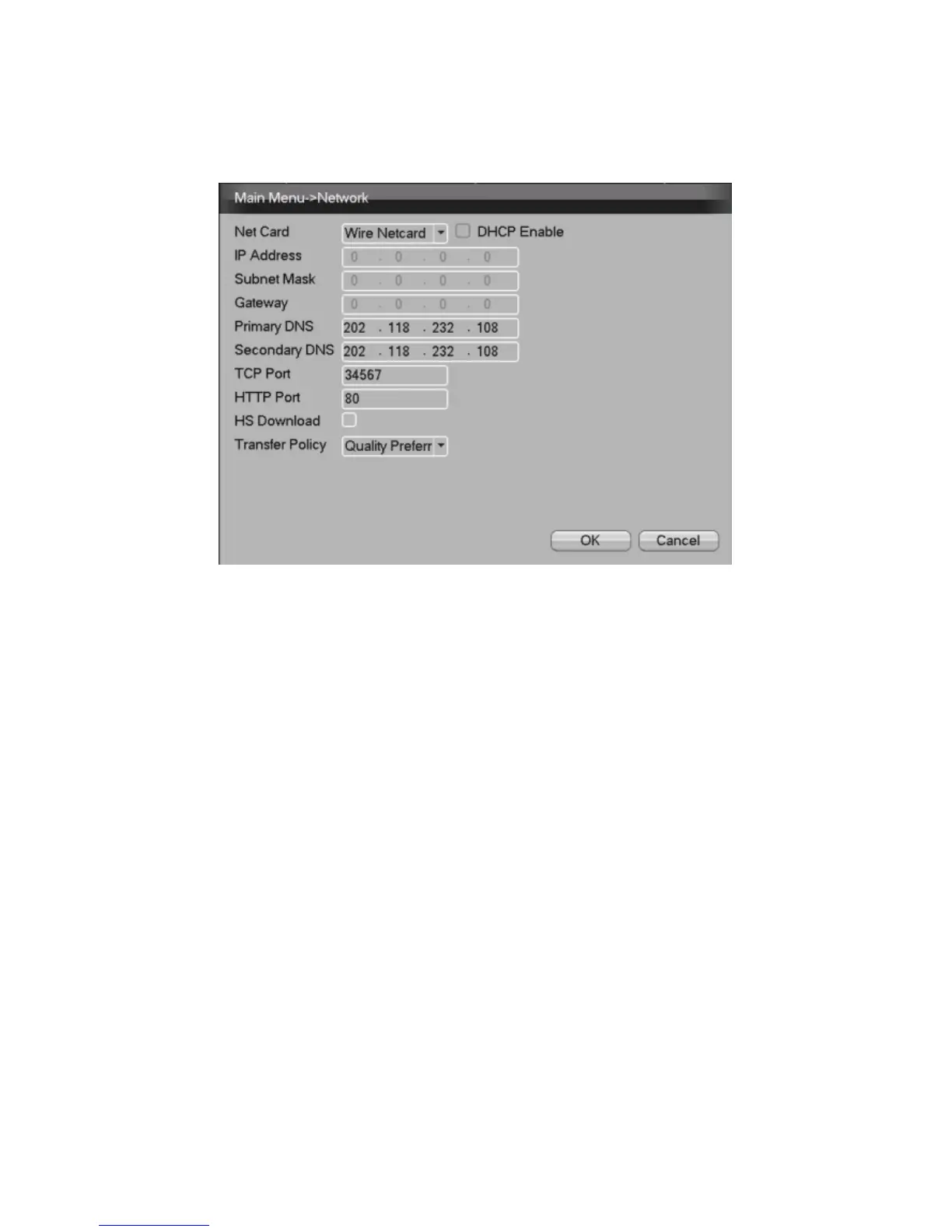
Picture 5 - Network Setup
Perform network setup through;
[Main Menu]>[System]>[Network]
【IP address】Default: 192.168.1.10
【Subnet Mask】Default: 255.255.255.0
【Gateway】Default: 192.168.1.1
For manual setup, ensure the DVR’s IP address and the
Gateway are in the same network IP range. For automatic
setup with your router, check the DHCP Enable box and
after approx. 30 seconds the DVR & Gateway IP
addresses will update. In order to access the DVR on the
local network, enter the DVR IP address into the browser.



 To Next Page