Page 5 HP-4960-1TB: v1.0
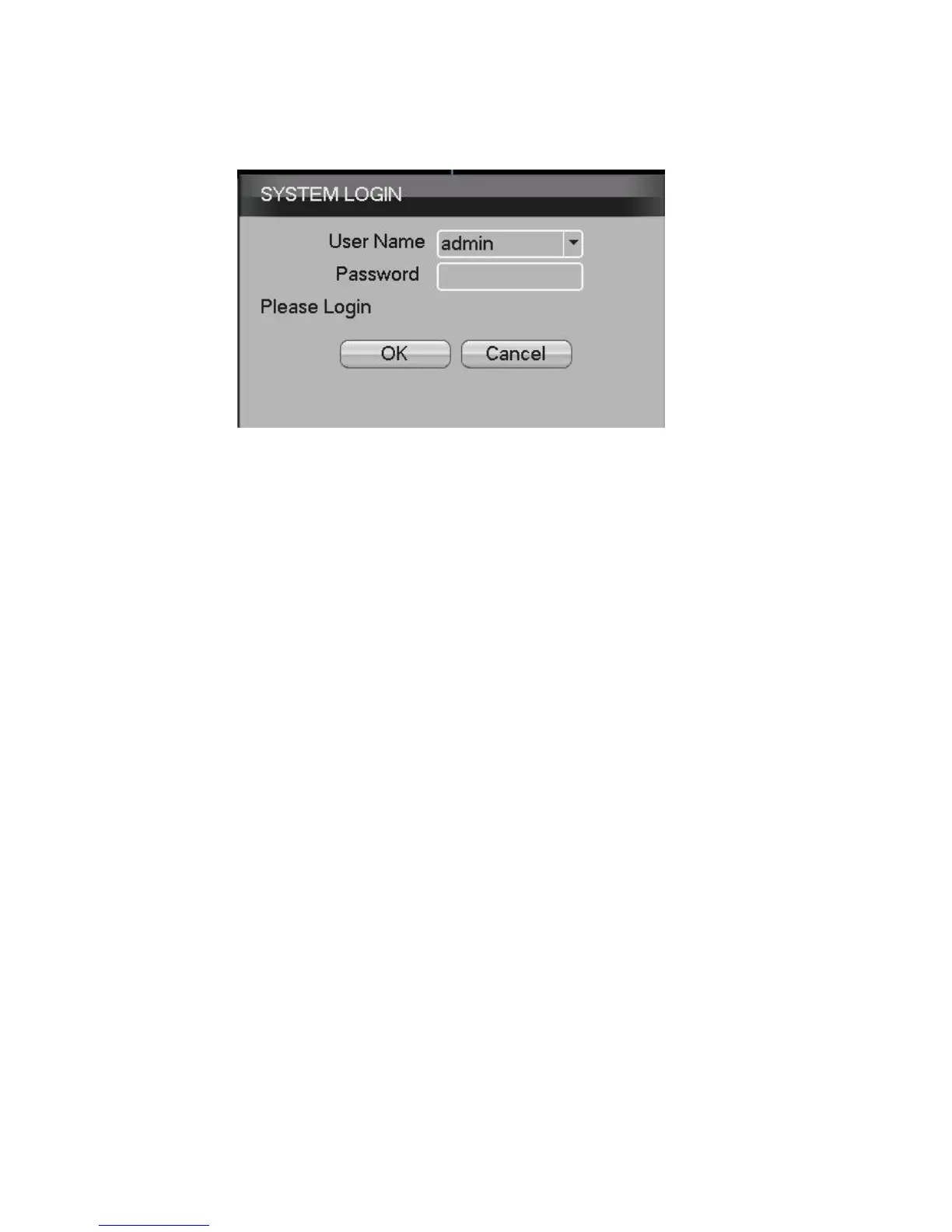
Picture1 login
NB: If the password is entered incorrectly seven times,
he alarm will sound. (By restarting the DVR or after 30
minutes, the account will be unlocked automatically).
For your security, please set a password in [Main
Menu]>[Account]>[Modify Pwd] after first login.
5. Preview
Login as normal and select the multi-menu preview status.
The system date, time and channel name are shown in
each viewing window. The surveillance and alarm status
are also shown in each window. When an alarm is
triggered, the screen will display: video detection, video
shelter, video loss and alarm mark.


 To Next Page