105
uuIndicatorsu
Continued
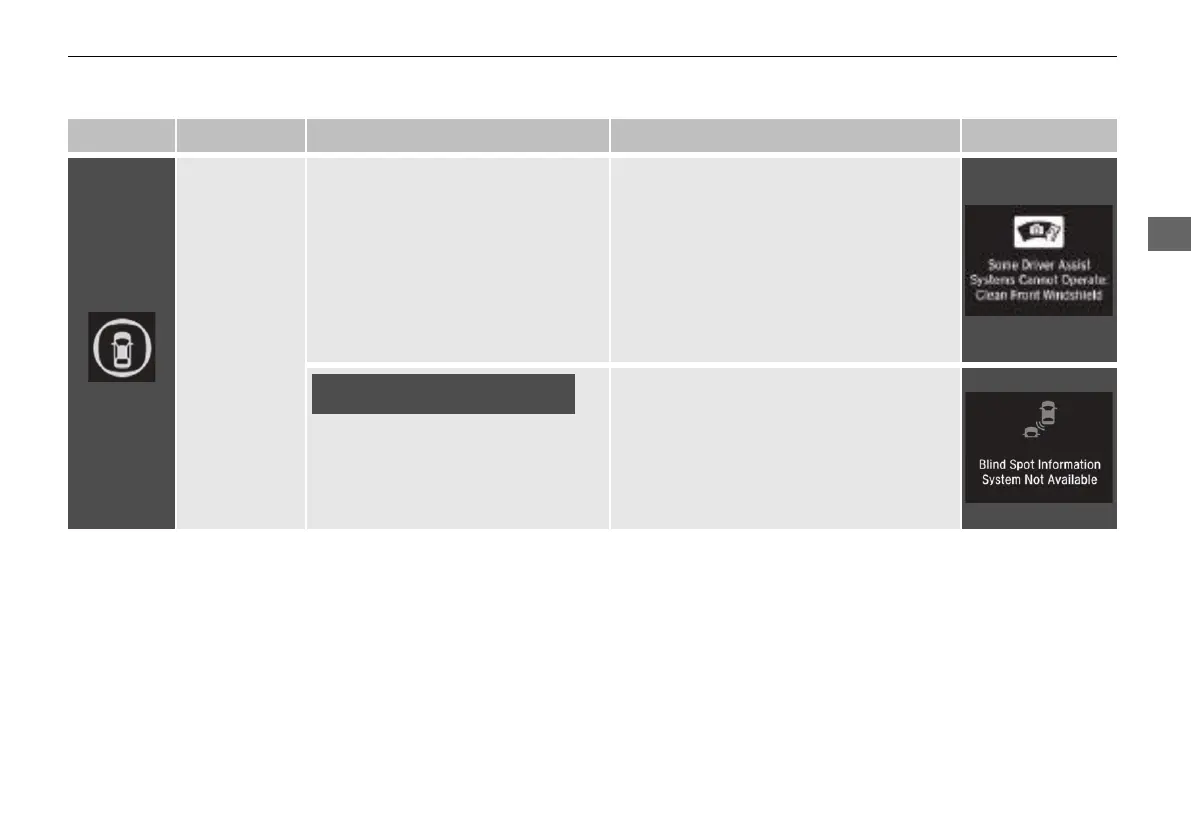
Indicator Name On/Blinking Explanation Message
Safety Support
Indicator
(Amber)
●
Comes on when RDM and/or
CMBS
TM
shuts itself off.
●
Stays on - The area around the camera is
blocked by dirt, mud, etc. Stop your
vehicle in a safe place and wipe the debris
off with a soft cloth.
●
Have your vehicle checked by a dealer if
the indicator and message are still
displayed even after you have cleaned the
area around the camera.
2 Front Sensor Camera P. 536
●
Comes on when mud, snow, or ice
has accumulated in the vicinity of
the blind spot information system
sensor.
●
Comes on while driving - Something
may be interfering with the Blind spot
information System sensor. Check the
vicinity of the Blind spot information
System sensor and remove any obstacles.
2 Blind spot information System
*
P. 483
Models with blind spot information
system
* Not available on all models
21 INSIGHT-31TXM6200.book 105 ページ 2020年2月5日 水曜日 午前10時0分














 To Next Page