170
Clock
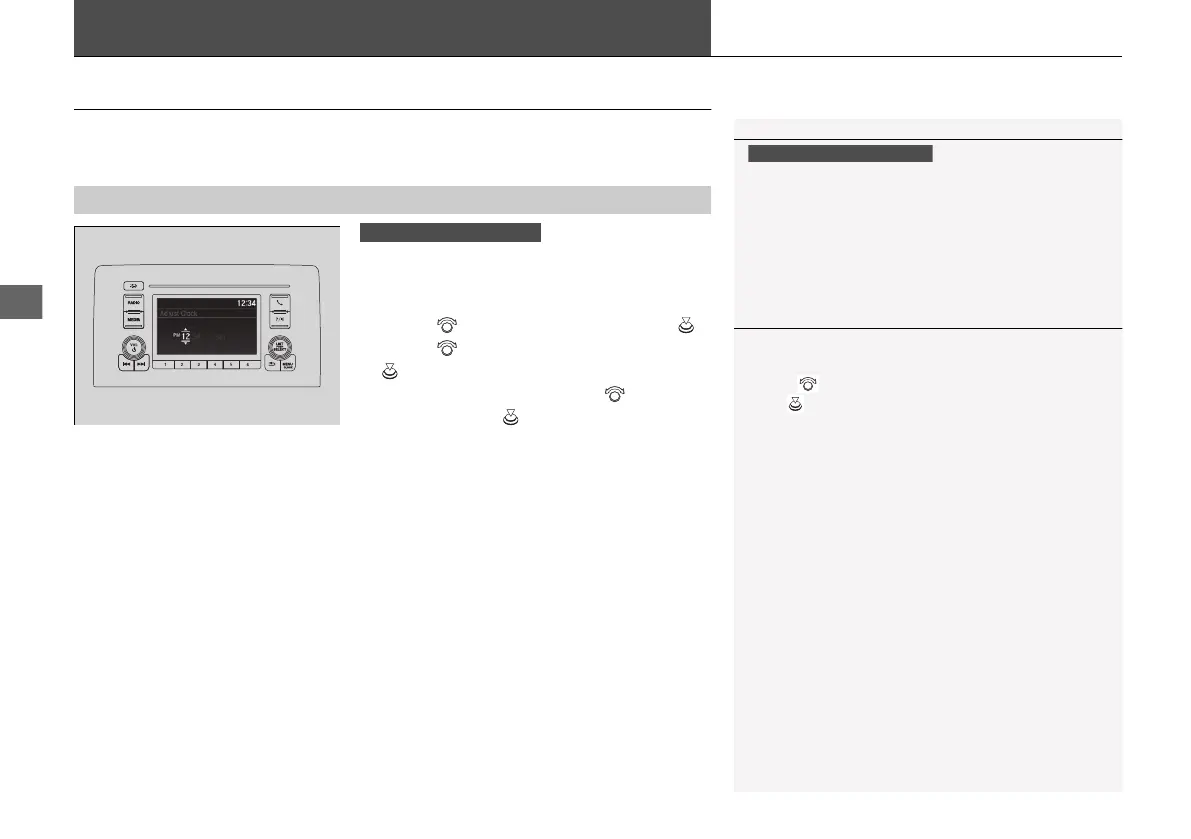
Adjusting the Clock
You can adjust the time manually in the audio/information screen with the power
mode in ON.
■
Using the MENU/CLOCK button
1. Press and hold the MENU/CLOCK button.
u Adjust Clock is selected.
2. Rotate to change hour, then press .
3. Rotate to change minute, then press
.
4. To enter the selection, rotate and select
Set, then press .
■
Adjusting the Time
1Clock
The clock is automatically updated through the audio
system.
You can customize the clock display to show the 12
hour clock or 24 hour clock.
2 Customized Features
*
P. 365, 372
Models with Display Audio
1Using the MENU/CLOCK button
These indications are used to show how to operate
the selector knob.
Rotate to select.
Press to enter.
* Not available on all models
21 INSIGHT-31TXM6200.book 170 ページ 2020年2月5日 水曜日 午前10時0分














 To Next Page