268
Audio System Basic Operation
To use the audio system function, the power mode must be in ACCESSORY or ON.
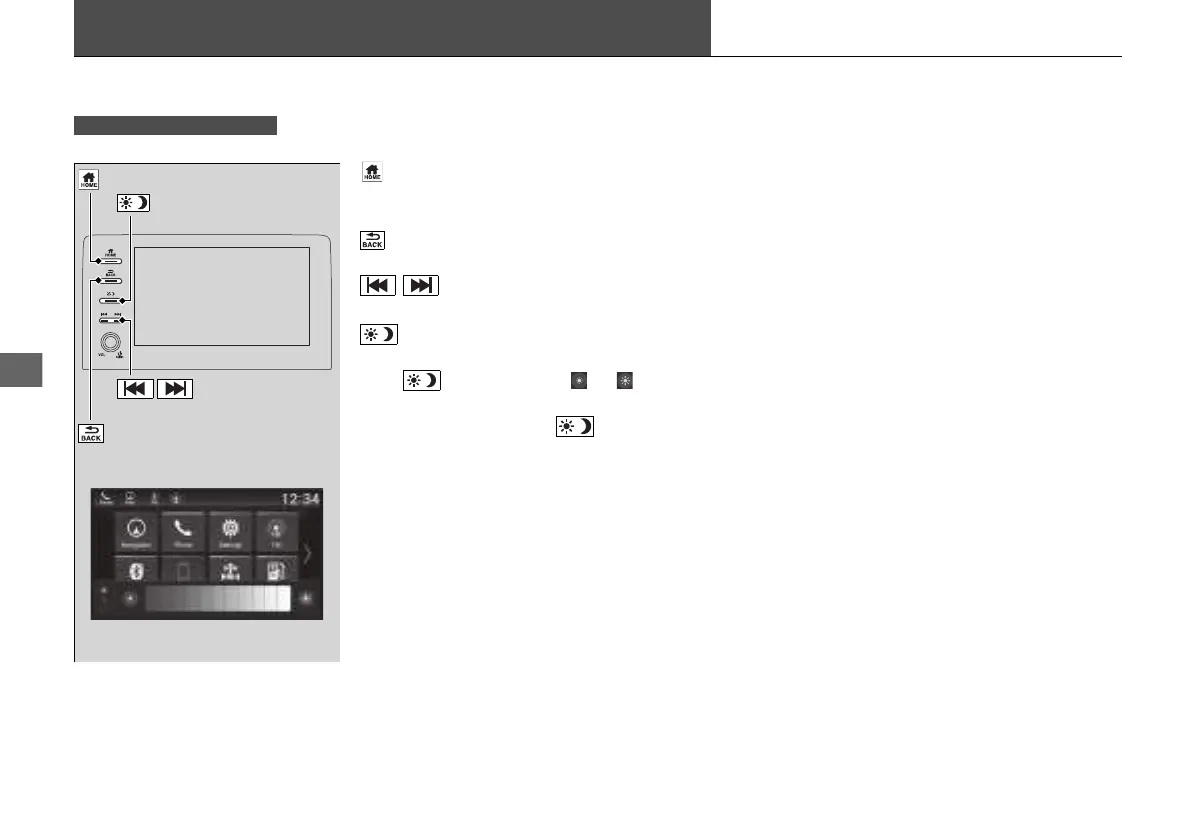
(Home) Button: Press to go to the home
screen.
2 Switching the Display P. 136
(Back) Button: Press to go back to the
previous display when it is displayed.
/ (Seek/Skip) Buttons: Press to
change station, channel, song or file.
(Day/Night) Button: Press to change
the audio/information screen brightness.
Press once and select or to make
an adjustment.
u Each time you press , the mode
switches among the daytime mode,
nighttime mode and off mode.
Models with Display Audio
(Day/Night) Button
(Home) Button
(Back) Button
/ (Seek/Skip)
Buttons
21 INSIGHT-31TXM6200.book 268 ページ 2020年2月5日 水曜日 午前10時0分














 To Next Page