115
uuIndicatorsuDriver Information Interface Warning and Information Messages
Continued
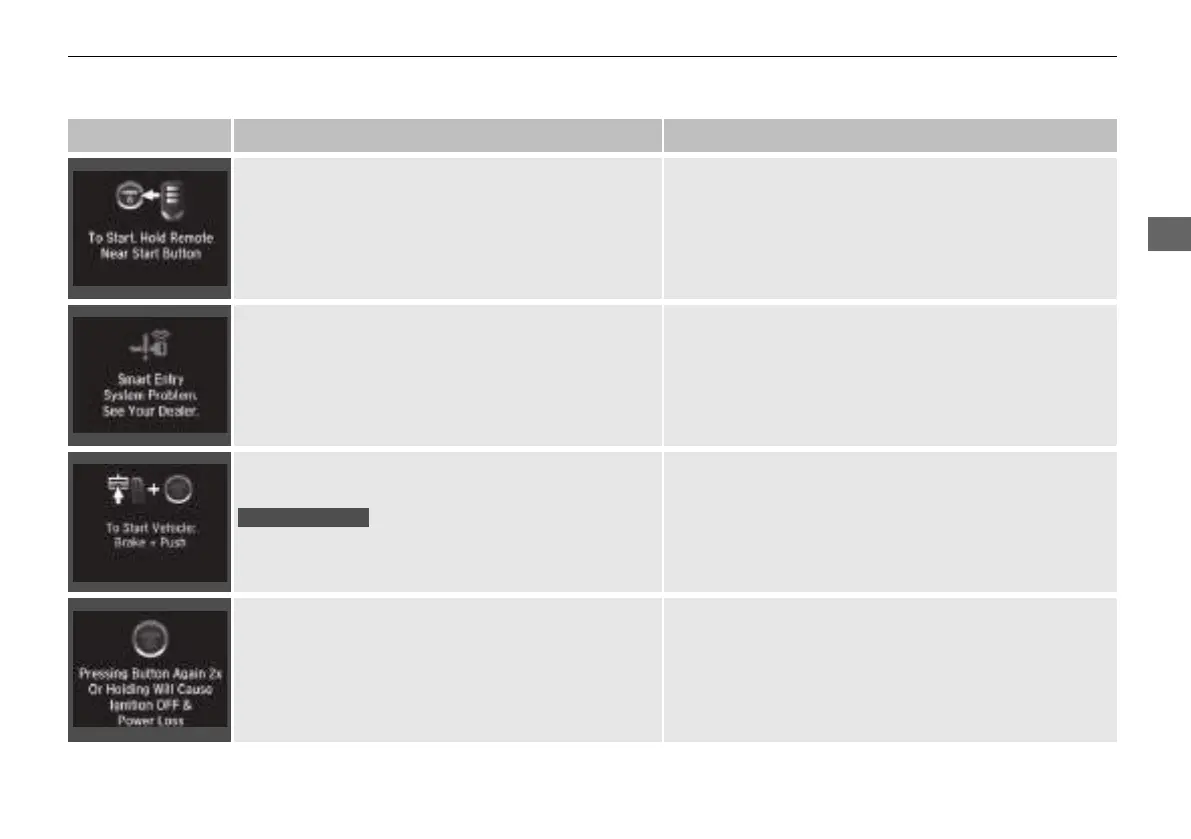
Message Condition Explanation
●
Appears if the remote battery is too weak to turn on
the power system or the key is not within operating
range to turn on the power system.
A beeper sounds six times.
●
Bring the back of the remote into contact with the
POWER button.
2 If the Remote Battery is Weak P. 636
●
Appears as soon as a problem is detected in the
smart entry system
*
or push button starting system.
●
Appears constantly - Have your vehicle checked by a
dealer.
●
Appears after you set the power mode to
ACCESSORY or ON.
●
Appears after you unlock and open the driver’s door.
2 Turning on the Power P. 454
• Appears if you press the POWER button while the
vehicle is moving.
• The message will disappear after six seconds or when
the power mode is set to VEHICLE OFF.
* Not available on all models
21 INSIGHT-31TXM6200.book 115 ページ 2020年2月5日 水曜日 午前10時0分














 To Next Page