156
uuGauges and Driver Information InterfaceuDriver Information Interface
■
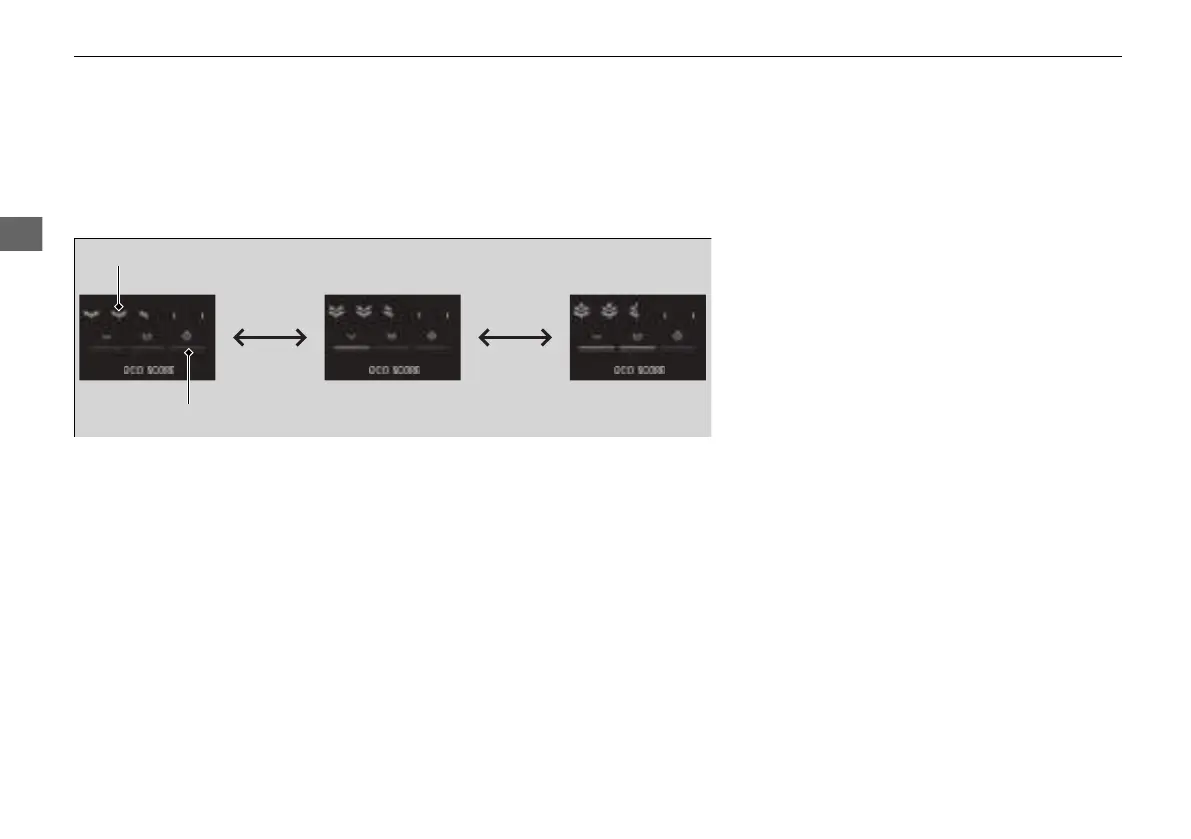
Drive Cycle Score/Lifetime Points
Appear for a few seconds when you set the power mode to VEHICLE OFF. Each has
three stages. Depending on your driving style, the leaf icon(s) and the gauge
increase or decrease to indicate that you have reached a different stage of fuel
economy.
■
Resetting the Drive Cycle Score
1. Make sure the shift position is in (P. Turn the power mode to ON.
2. If ECON mode is on, press the ECON button to turn it off.
3. Turn the power mode to VEHICLE OFF.
4. Turn the power mode to ON again.
u Make sure to complete steps from 4 through 6 within 30 seconds.
5. Depress the brake pedal twice.
u The color of the ambient meter will change from white to green.
u When the Fuel Efficiency Backlight setting on the driver information
interface or audio/information screen is off, the color stays white.
6. Press the ECON button twice.
u The color of the ambient meter will turn to monochrome.
7. Turn the power mode to VEHICLE OFF.
Drive Cycle Score
Lifetime Points
Advancing
to 2nd
Stage
Advancing
to 3rd
Stage
Receding
to 3rd
Stage
Receding
to 2nd
Stage
21 INSIGHT-31TXM6200.book 156 ページ 2020年2月5日 水曜日 午前10時0分














 To Next Page