412
uuBluetooth® HandsFreeLink®uHFL Menus
■
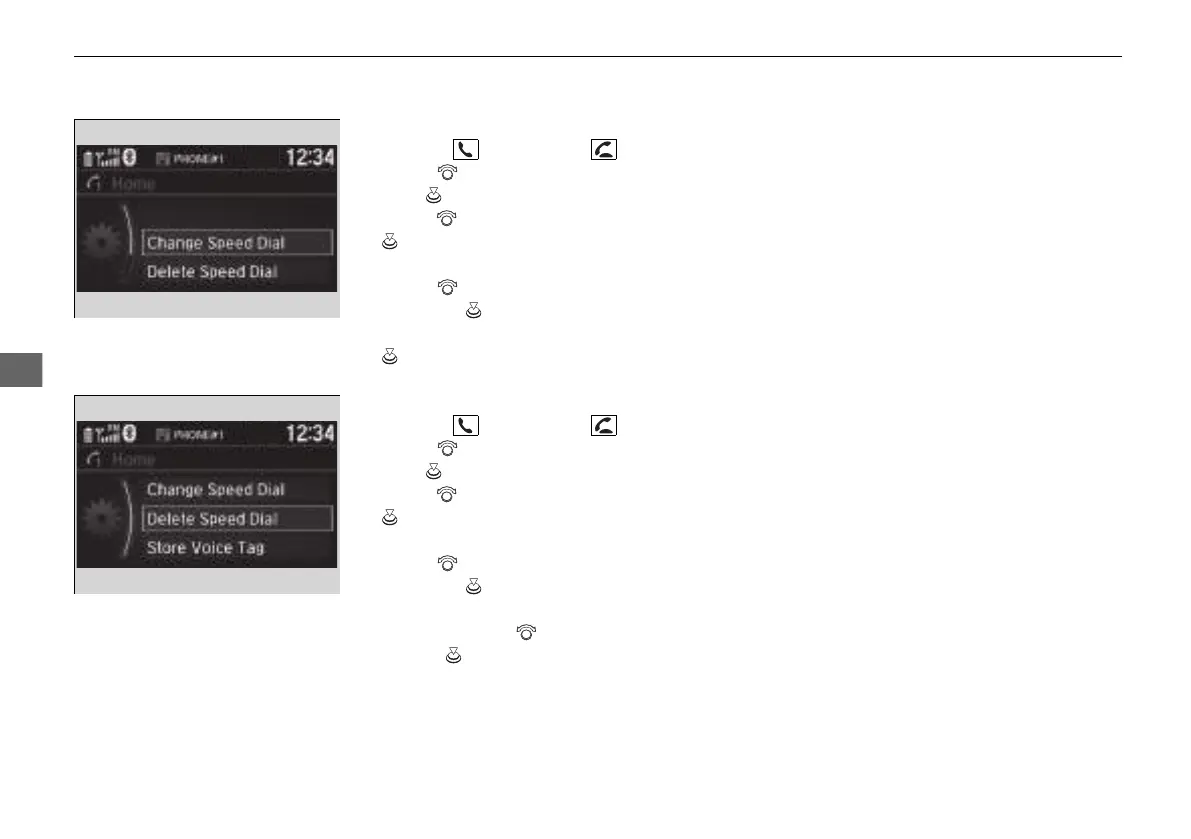
To edit a speed dial
1. Press the button or the button.
2. Rotate to select Phone Setup, then
press .
3. Rotate to select Speed Dial, then press
.
4. Select an existing speed dial entry.
5. Rotate to select Change Speed Dial,
then press .
6. Select a new speed dial number, then press
.
■
To delete a speed dial number
1. Press the button or the button.
2. Rotate to select Phone Setup, then
press .
3. Rotate to select Speed Dial, then press
.
4. Select an existing speed dial entry.
5. Rotate to select Delete Speed Dial,
then press .
u A confirmation message appears on the
screen. Rotate to select Yes, then
press .
21 INSIGHT-31TXM6200.book 412 ページ 2020年2月5日 水曜日 午前10時0分














 To Next Page