Continued
555
uuMulti-View Rear CamerauAbout Your Multi-View Rear Camera
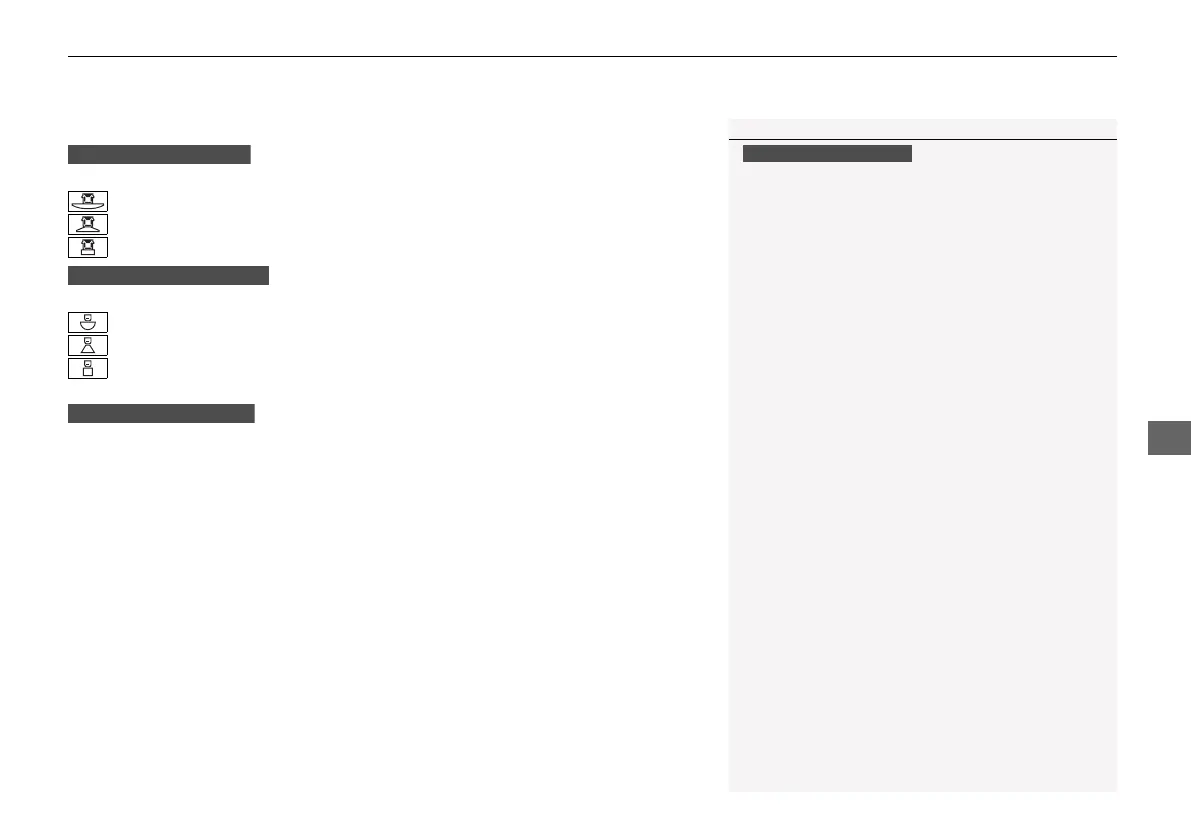
You can view three different camera modes on the audio/information screen.
Press the LIST/SELECT (selector) knob or preset 1 button to switch the mode.
: Wide view mode
: Normal view mode
: Top down view mode
Touch the appropriate icon to switch the mode.
: Wide view mode
: Normal view mode
: Top down view mode
• If the last used viewing mode was Wide or Normal view mode, the same view
mode will be activated the next time you put the transmission into
(R.
• If you were using Top down view mode before you turned the power mode to
OFF, Wide view mode will be activated the next time you set the power mode to
ON and put the transmission into
(R.
• If you were using Top down view mode and 10 seconds elapsed after you took
the transmission out of (R, Wide view mode will be activated the next time you
put the transmission into
(R.
1About Your Multi-View Rear Camera
You can change the Camera Guideline settings.
Camera Guideline
On: Guidelines appear when you put the
transmission into
(R.
Off: Guidelines do not appear.
Models with Display Audio
21 INSIGHT-31TXM6200.book 555 ページ 2020年2月5日 水曜日 午前10時0分














 To Next Page