uuAudio System Basic OperationuSystem Updates
284
■
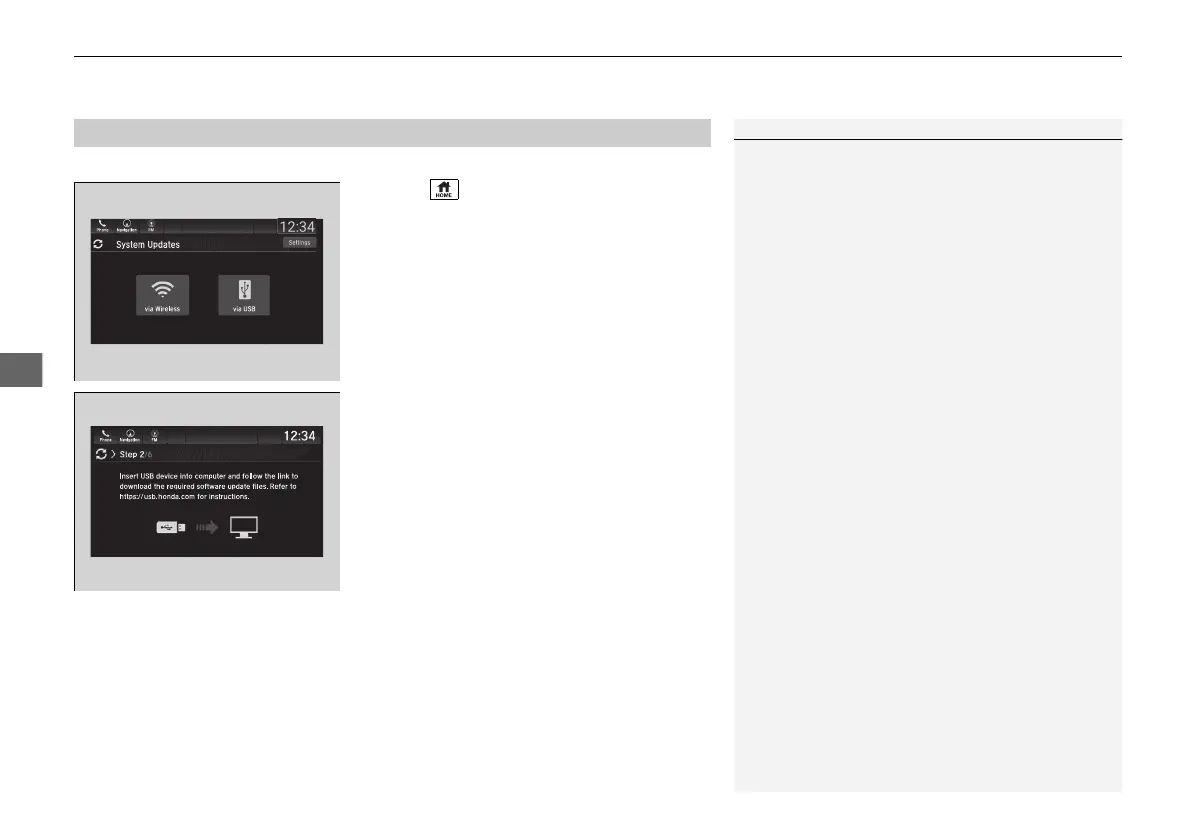
Download the update files from the server
1. Select .
2. Select System Updates.
3. Select via USB.
u A notification appears on the screen.
4. Connect a USB device into the front USB
port.
u The inventory data is copied into the USB
device.
2 USB Ports P. 241
5. Remove the USB device from the USB port.
6. Connect the USB device into your
computer, and then download the update
files.
u Follow the link to download the required
software update files. Refer to
https://usb.honda.com for instructions.
■
How to Update with a USB Device
1How to Update with a USB Device
A USB device with a minimum of 8 GB of free space
or more is recommended.
Be sure to delete any previous inventory or update
files from the USB before starting the USB update
process.
21 PILOT-31TG76500.book 284 ページ 2020年3月18日 水曜日 午後4時38分



 To Next Page