389
uuBlu-ray/DVD Rear Entertainment System
*
uFront Control Panel Operation
Continued
■
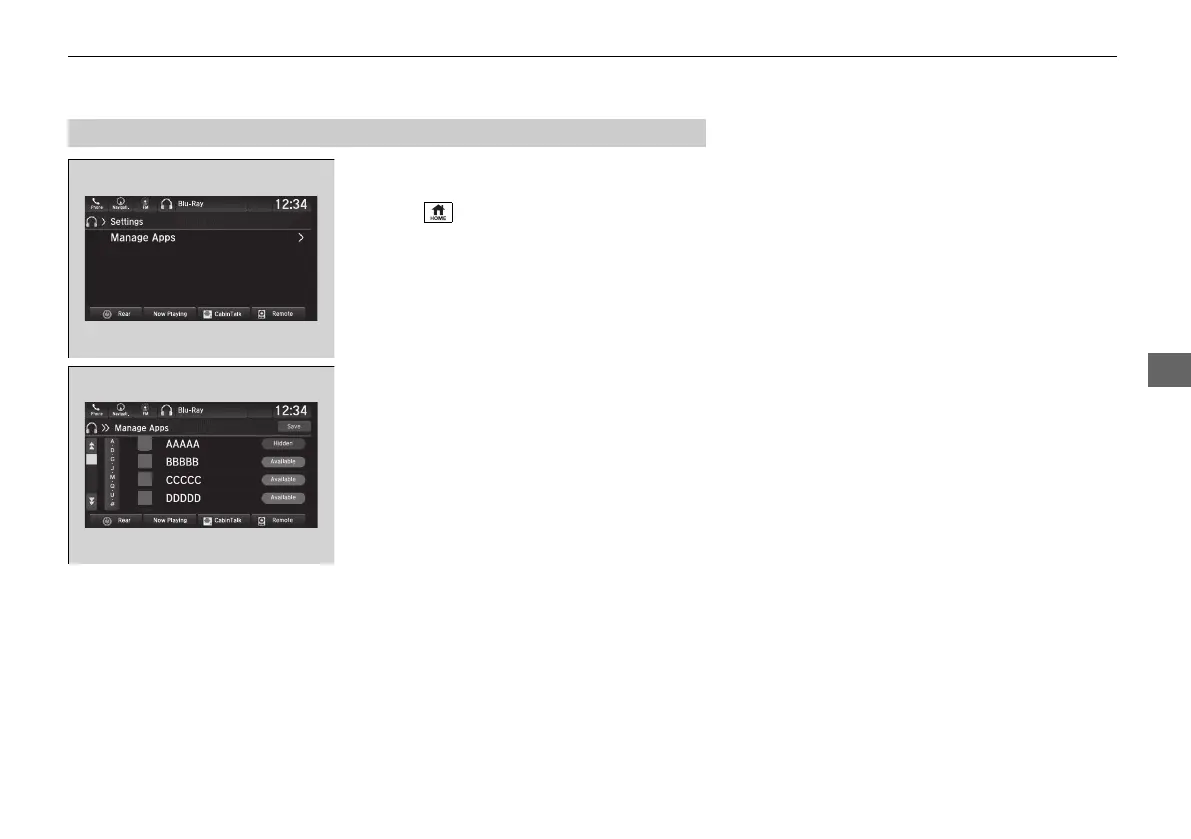
Manage Apps
Shows or hides app icons on the home screen.
1. Select .
2. Select Rear Entertainment.
3. Select Rear Apps.
4. Select Settings.
5. Select Manage Apps.
6. Select Available or Hidden.
7. Select Save.
■
Rear System Setup
21 PILOT-31TG76500.book 389 ページ 2020年3月18日 水曜日 午後4時38分



 To Next Page