uuBlu-ray/DVD Rear Entertainment System
*
uFront Control Panel Operation
390
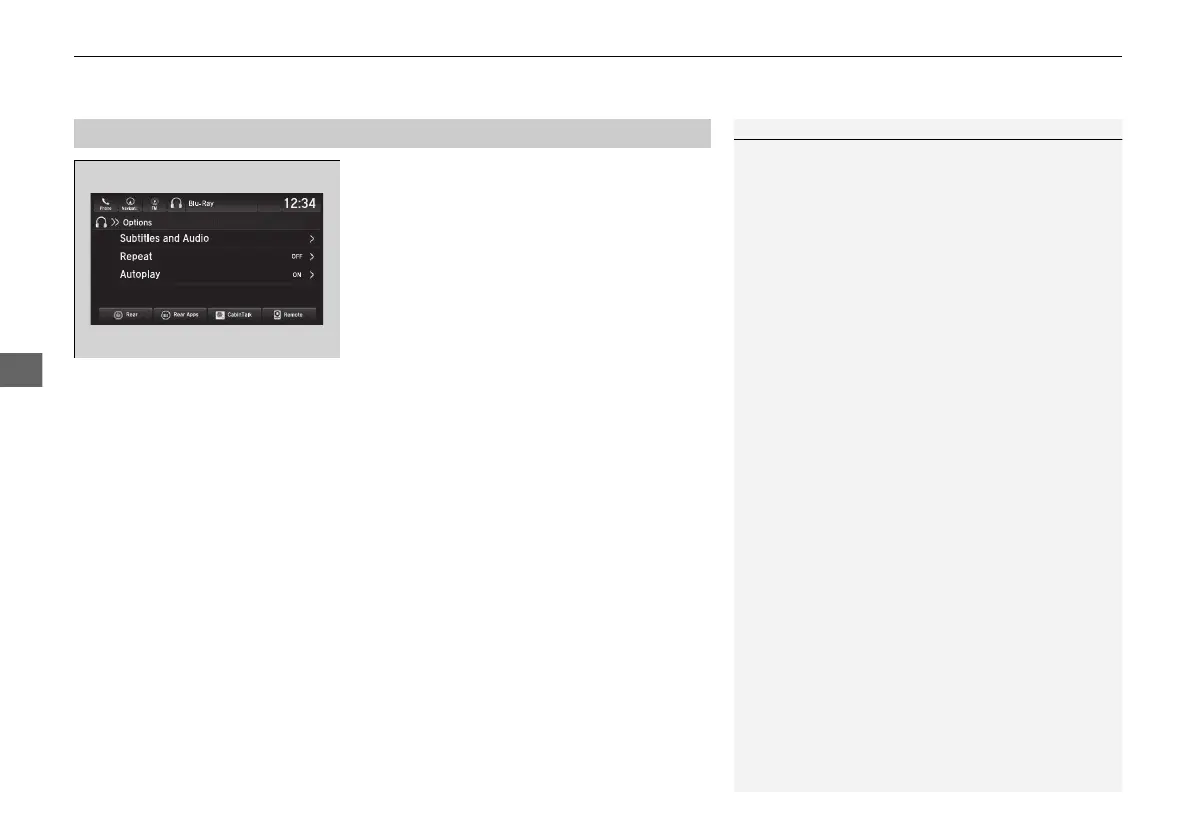
Select Options while a DVD or Blu-ray
TM
is
playing.
The following items are available on the audio/information screen:
• Subtitles and Audio
2 Setting the Player Options P. 384
• Repeat
2 Setting the Player Options P. 384
• Change Order
2 Setting the Player Options P. 384
• Autoplay: Turns on and off to automatically play a DVD or Blu-ray
TM
disc.
■
Setting the DVD or Blu-ray
TM
Menu
1Setting the DVD or Blu-ray
TM
Menu
Depending on the disc you insert, some items may
not be displayed.
21 PILOT-31TG76500.book 390 ページ 2020年3月18日 水曜日 午後4時38分



 To Next Page