Need help?
Do you have a question about the HoneyGuaridan S40 and is the answer not in the manual?
Details the warranty period and lifetime support offered for the pet feeder.
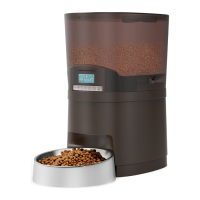
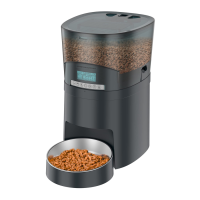
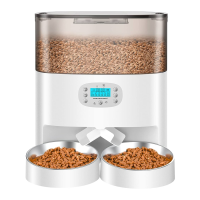
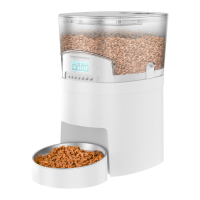
Identifies key components of the smart pet feeder through labeled diagrams.
Lists the items included in both single and dual bowl versions of the pet feeder.
Provides essential usage guidelines and cleaning instructions for the pet feeder.
Guide to downloading and installing the Smart Life application from the app store.
Instructions for registering an account and granting network permissions within the Smart Life app.
Details on allowing the app access to home data, notifications, and Bluetooth for device interaction.
Instructions for manual feeding via the app and directly on the feeder unit.
Sets the number of times a voice recording plays before feeding.
Shows the current status of the backup battery.
Allows enabling or disabling the slow feed function of the feeder.
Enables or disables the 24-hour clock display on the feeder.
Displays device ID, IP, MAC, time zone, and signal strength.
Configures app notifications for when the device goes offline.
Enables sharing the feeder control with family members.
Adds a shortcut to the feeder control page on the phone's home screen.
Options for removing the device or reconfiguring its settings.
Troubleshooting for the LCD screen not lighting up when plugged in.
Addresses issues with food not coming out and recommended kibble size.
Clarifies the use of power adapter and batteries simultaneously or independently.
Explains the function of the low battery indicator light on the LCD screen.
Troubleshooting for not hearing voice recordings during feeding.
Instructions on how to turn off the voice recording function.
Clarifies if the unit resets after a set number of feedings or stops feeding.
Addresses uneven food dispensing in the dual bowl system.
Explains why phone connectivity might fail when only using batteries.
 General
| Programmable | Yes |
|---|---|
| Material | ABS |
| Power Supply | DC adapter or 3 D batteries |
| Voice Recording | 10s |
| Dispense Portion | 5g per portion |

 To Next Page