Need help?
Do you have a question about the HoneyGuaridan A36 and is the answer not in the manual?
Explains the functions of the control panel buttons for setting meals, time, and feeding portions.
Details the process for setting the clock, including 12/24 hour format switching.
Guides on setting feeding plans, including kibble size, storage, and programming up to 6 meals with portion control.
Instructions on voice recording, manual feeding operations, and low battery reminders.
Explains indicator lights, the reset function, and food shortage alerts.
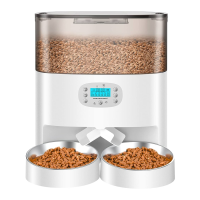
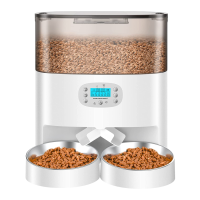
Step-by-step guides for single basin installation, two-way distributor system setup, and distributor removal.
 General
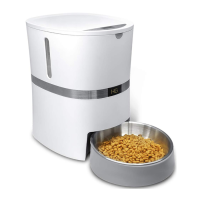
| Product Type | Automatic Pet Feeder |
|---|---|
| Color | White |
| GPS Technology | No |
| Water Resistance | No |
| Real-Time Tracking | No |
| Geo-Fencing | No |
| Activity Monitoring | No |
| App Compatibility | No |
| Material | ABS |
| Food Type | Dry Food |
| Power Source | AC Adapter, Battery |
| Timer | Programmable |
| Voice Recording | Yes |
| Battery Life | Up to 6 months (using D-size batteries as backup) |

 To Next Page