Need help?
Do you have a question about the HoneyGuaridan S56 and is the answer not in the manual?
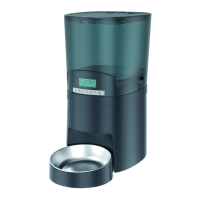
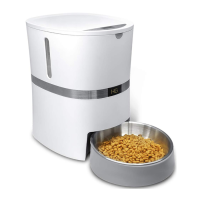
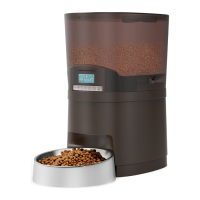
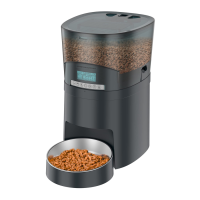
Details components included for the single bowl model.
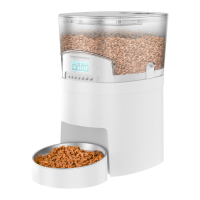
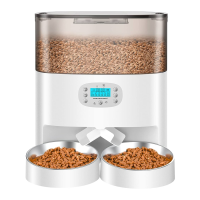
Details components included for the dual bowl model.
Download and install the "Smart Life" mobile application.
Register a user account and grant necessary permissions for network connection.
Grant app permissions for Home Data, Notifications, and Bluetooth.
Reset the device by long-pressing the reset button for pairing.
Refresh the app interface to auto-search and detect the feeder.
Choose the 2.4GHz WiFi network and input the password.
Wait for device connection, then name the feeder in the app.
Instructions on how to record, play, delete, or close voice recordings.
Dispense food manually via the app or feeder button.
Configure up to 6 daily meals with specific portions and times.
Instructions on how to disable an existing feeding meal plan.
View past feeding records by pulling down on the page.
Configure voice playback, battery status, slow feed, and 24-hour clock settings.
Manage device info, notifications, sharing, home screen access, and removal.
Solutions for LCD issues, power adapter/battery usage, and phone connection problems.
Solutions for food not dispensing and uneven food distribution.
Answers regarding voice recording features and unit reset behavior.
 General
| Brand | HoneyGuaridan |
|---|---|
| Model | S56 |
| Category | Pet Care Product |
| Language | English |

 To Next Page