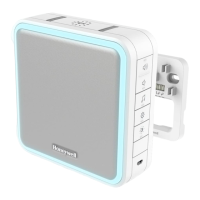
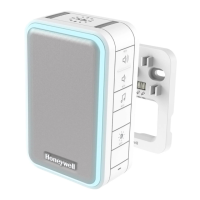
Preparation
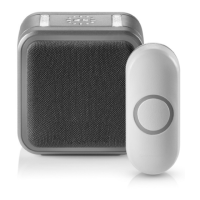
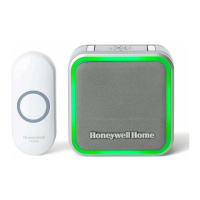
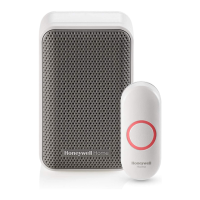
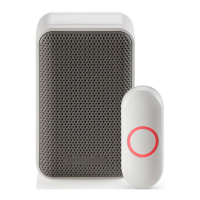
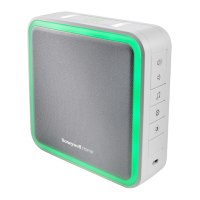
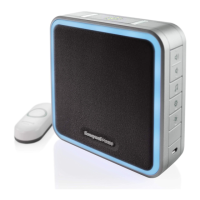
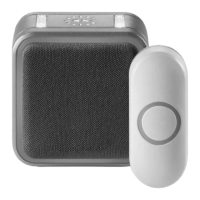
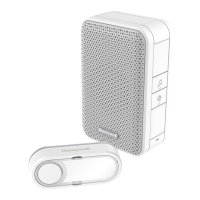
In the box you will find
To install you will need
The push-button supplied with this kit is pre-programmed to operate with the doorbell.
If it is not, see “Connect a Push Button” on page 5.
Overview
Just follow these simple steps:
1. Install the push button battery and plug in the doorbell.
2. Set up the doorbell and your preferences.
3. Install the push button.
Indoor use only. Do not expose to liquid, vapor, or rain.
Power-up
1. Choose an outlet location that is not near a heat source, where the doorbell will be easy to see and hear and plug in the doorbell.
2. Open the push button battery cover and install the CR2032 battery.
Setup and Operation
Press the push button to test whether it is paired with the doorbell. The doorbell will light up and ring. If it does not, see “Connect a Push Button” on page 5.
Change the Light Pattern
Press the Sunlight button to change the lights that flash when the doorbell rings.


 To Next Page
 Loading...