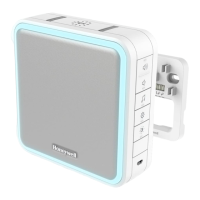
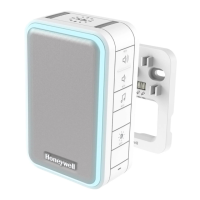
Accessories
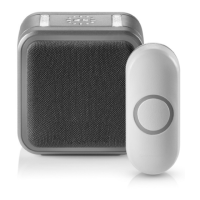
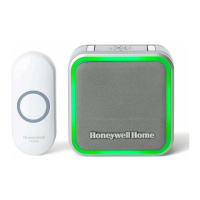
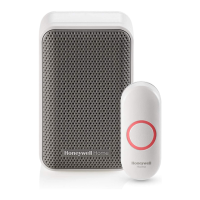
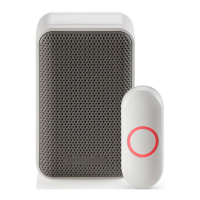
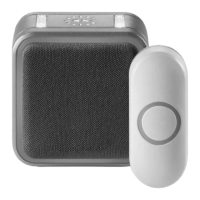
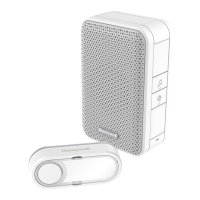
You can connect up to 4 accessories to your doorbell, including other pushbuttons, window or door opening sensors, and motion sensors.
If you try to connect more accessories than the max number, the doorbell will sound two beeps.
Connect a Motion Sensor
1. Press and hold the Setting button on the doorbell for three seconds.
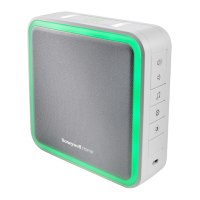
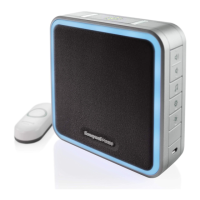
The halo light will circle.
2. Within 20 seconds of pressing the Setting button, wave or make another kind of motion in front of the motion sensor.
Connect a Push Button
Follow these steps to change the ring and halo light color for an existing doorbell, too.
1. Press and hold the Setting button on the doorbell for three seconds.
The halo light will circle.
2. Press the push button.
3. Within 12 seconds of pressing the push button, press the Music button to select the ring for that push button.
4. Within 12 seconds of pressing the doorbell, press the Sunlight button to select a halo light color for that push button.
Night-light


 To Next Page
 Loading...