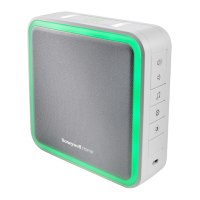
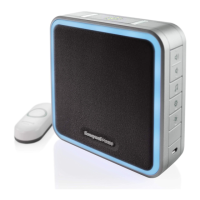
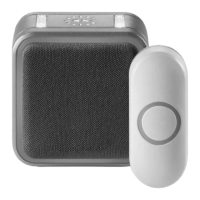
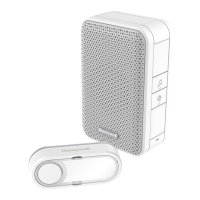
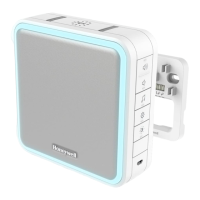
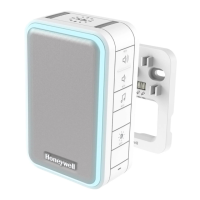
Set the Mute
You can also mute the doorbell for specific amounts of time.
Press the Mute button…
Mute button shows Doorbell is mute
1 time doorbell is mute
2 times 3 hours
3 times 6 hours
4 times 9 hours
5 times 12 hours
6 times no longer mute
Install Push Button
1. Mount the push button bracket in the desired location Use the screws –OR– Use the adhesive backing. If using the adhesive backing, clean the surface first.
2. Snap the push button onto the mounting bracket.
Note: If you need to remove the push button, use a small screwdriver to release the tab.


 To Next Page
 Loading...