12
Set the Time and Day
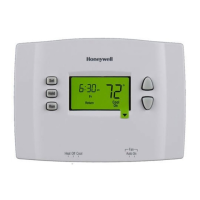
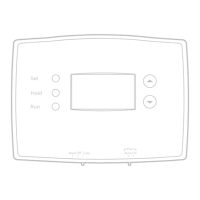
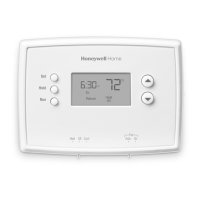
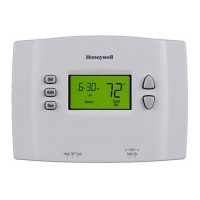
1. Press the SET button, then press
s or t to set the clock time.
2. Press the SET button, then press
s or t to select the day of the
week.
3. Press RUN to save & exit.
NOTE: If the clock flashes, the
thermostat will follow your settings
for the Monday “Wake” time period
until you reset the time and day.
Program Schedule
You can program four time periods each day, with different settings for
weekdays and weekends. We recommend the pre-set settings (shown in the
table below), since they can reduce your heating/cooling expenses.
Wake - Set to the time you
awaken and the temperature
you want during the morning,
until you leave for the day.
Leave - Set to the time
you leave home and the
temperature you want while you
are away (usually an energy-
saving level).
Return - Set to the time
you return home and the
temperature you want during
the evening, until bedtime.
Sleep - Set to the time you go to bed and the temperature you want overnight
(usually an energy-saving level).
NOTE: Leave and Return periods can be canceled on weekends.
Heat Cool
Wake
(6:00 am)
70
°
78
°
Leave
(8:00 am)
62
°
85
°
Return
(6:00 pm)
70
°
78
°
Sleep
(10:00 pm)
62
°
82
°
Set Time
am
6
:
30
Set
Hold
Run
SetDay
We
Set
Hold
Run



 To Next Page
 Loading...