13
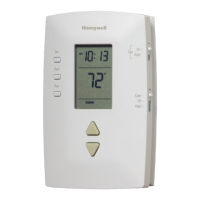
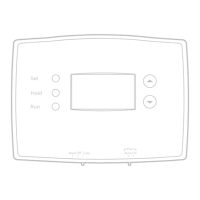
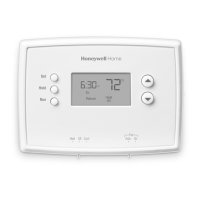
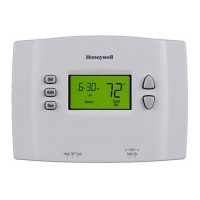
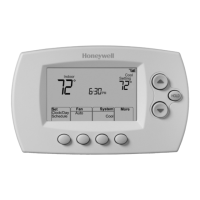
To Adjust Program Schedules (RTH2510)
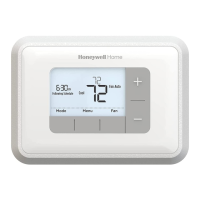
To Adjust Program Schedules (RTH2410)
1. Press SET until Set Schedule is
displayed.
2. Press s or t to set your weekday
Wake time (MoFr), then press
SET.
3. Press s or t to set the
temperature for this time period,
then press SET.
4. Set time and temperature for the
next time period (Leave). Repeat
steps 2 and 3 for each weekday
time period.
5. Press SET to set weekend time
periods (Sa & Su), then press RUN
to save & exit.
NOTE: Make sure the thermostat
is set to the system you want to
program (Heat or Cool).
1. Press SET until Set Schedule is
displayed.
2. Press
s or t to set your Wake
time for the day displayed, then
press SET.
3. Press
s or t to set the
temperature for this time period,
then press SET.
4. Set time and temperature for the
next time period (Leave). Repeat
steps 2 and 3 for each day’s time
period.
5. Press RUN to save & exit.
NOTE: Make sure the thermostat
is set to the system you want to
program (Heat or Cool).
Mo
Wake
Set Schedule
Set
am
75
6
:
30
Set
Hold
Run
Mo Tu We Th Fr
Wake
Set Schedule
Set
am
75
6
:
30
Set
Hold
Run



 To Next Page
 Loading...