To Next Page


T
Theresa FowlerAug 7, 2025
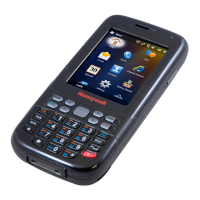
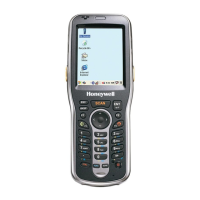
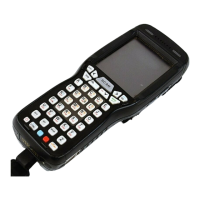
What to do if my Honeywell Dolphin 7850 Handhelds terminal does not wake when I press the scan trigger?
- SSteven MasonAug 7, 2025
If your Honeywell Handhelds terminal isn't waking up when you press the scan trigger, it could be due to a couple of reasons. First, ensure that the battery door is completely closed. There's a mechanical switch that prevents the device from turning on if the door isn't properly shut. Also, the main battery might be too low to power the device back on. Try removing the battery and replacing it with a fully charged one, or connect the terminal to a Dolphin charging peripheral to charge it.
 General