6
Figure 5.
INTRODUCTION
Cable Removal
Disconnect the power supply from the PowerLink cable and turn off power to the
host system before removing the cable from the scanner.
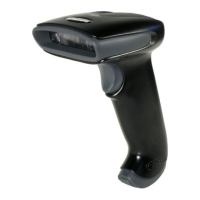
1. Locate the small ‘pin-hole’ on the front
side of the scanner near the end of
the handle.
2. Bend an ordinary paperclip into the
shape shown.
3. Insert the paperclip (or other small
metallic pin) into the small ‘pin-hole’.
There will be a faint ‘click’ when the
connector’s lock releases.
4. Pull gently on the cable’s strain-relief
to remove the cable.
Cable Connection Warning
Important: If the PowerLink cable is not fully latched, the unit can power
intermittently.
Figure 4.
Figure 3.


 To Next Page
 Loading...