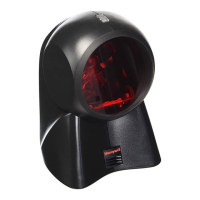
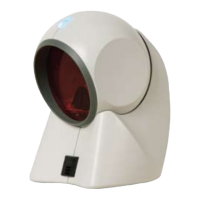
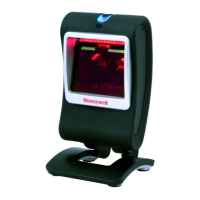
ii
TABLE OF CONTENTS
Introduction........................................................................................................... 1
Scanner and Accessories................................................................................. 2
Scanner Components....................................................................................... 4
Maintenance..................................................................................................... 4
Caution and Serial Number Labels................................................................... 5
Cable Removal................................................................................................. 6
Cable Connection Warning............................................................................... 6
Installation
RS232, Light Pen or Laser Emulation .............................................................. 7
RS485 .............................................................................................................. 8
Keyboard Wedge.............................................................................................. 9
Stand-Alone Keyboard ................................................................................... 10
Low Speed USB (-38)..................................................................................... 11
Full Speed (-40).............................................................................................. 11
Scanner Operation
How to Use CodeGate
®
and the Manual Activation Mode.............................. 12
Two Modes of Operation ................................................................................ 12
Indicators........................................................................................................ 13
Audible..................................................................................................... 13
Visual....................................................................................................... 14
Failure...................................................................................................... 15
Depth of Field................................................................................................. 16
Configuration Modes ...................................................................................... 17
Troubleshooting Guide ....................................................................................... 20
RS232 Demonstration Program ......................................................................... 23
Design Specifications ......................................................................................... 24
Applications and Protocols ................................................................................. 26
Default Settings.................................................................................................. 27
Upgrading the Firmware..................................................................................... 32
Scanner and Cable Terminations
Scanner Pinout Connections.......................................................................... 33
Cable Connector Configurations .................................................................... 35


 To Next Page
 Loading...