Performance Series IP Camera Software Configuration Guide
26
Zoom and Focus
Note
This section only applies to HBW2PR2/HBW4PR2/HEW2PR2/HEW4PR2/
H4W2PRV2/H4W4PRV2 motorized focus/zoom cameras.
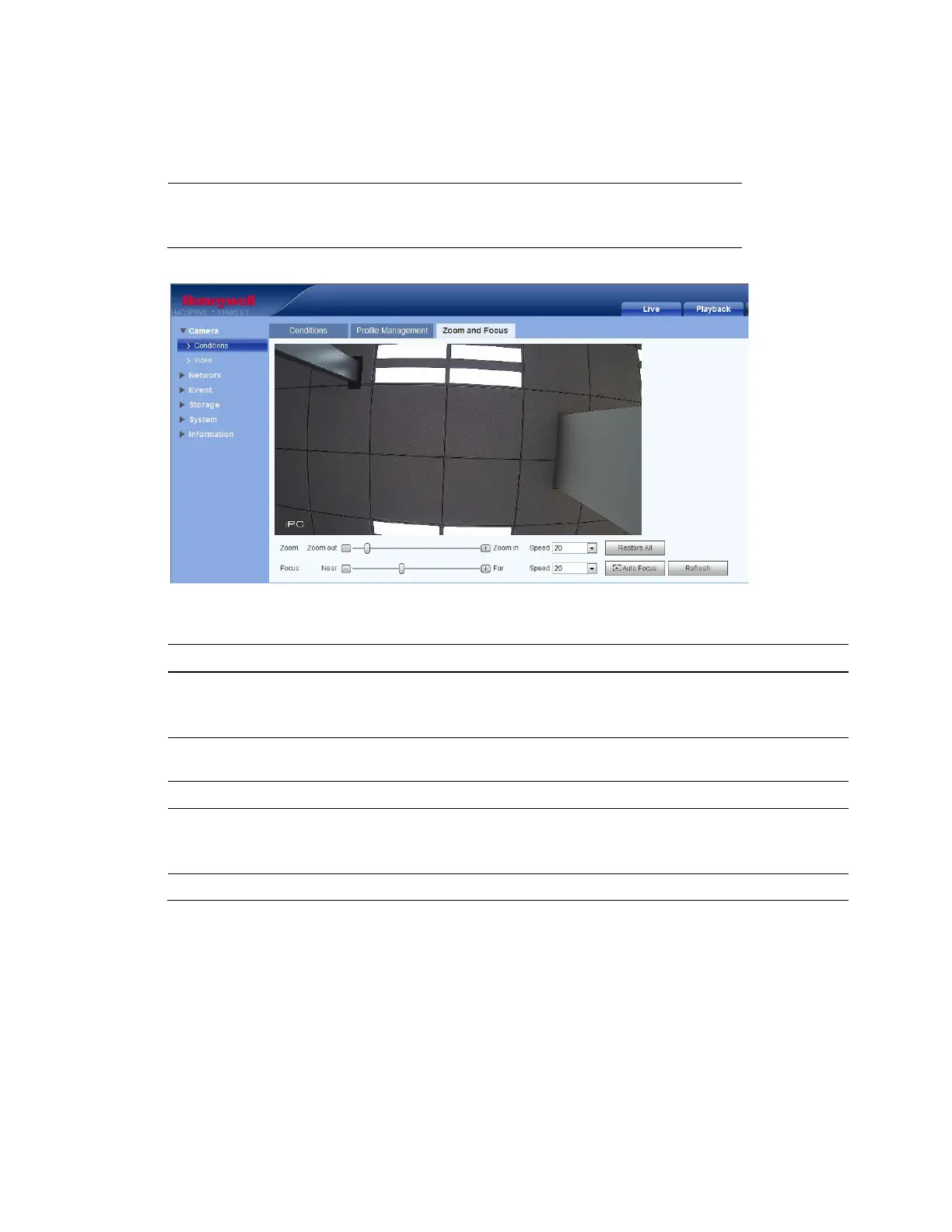
Figure 5-3 Motorized Zoom and Focus
Table 5-2 Zoom and Focus
Parameter Function
Zoom
Adjust the focal length of the lens by clicking "+" to zoom in or "–" to zoom out.
Changing the Speed setting adjusts the length of a single-click increment.
Note After adjusting zoom, the lens will focus automatically.
Focus
Adjust the definition of the image by clicking "+" to focus far or "–" to focus near.
Changing the Speed setting adjusts the length of a single-click increment.
Auto Focus Click to adjust the focus automatically.
Restore All
Click to reset the lens to 0 position.
Note Reset the lens periodically if you are making a lot of zoom and focus
adjustments.
Refresh Click to refresh the video image.



 To Next Page
 Loading...