Configuring Events and Alarms
61
Configuring Illegal Access Event Settings
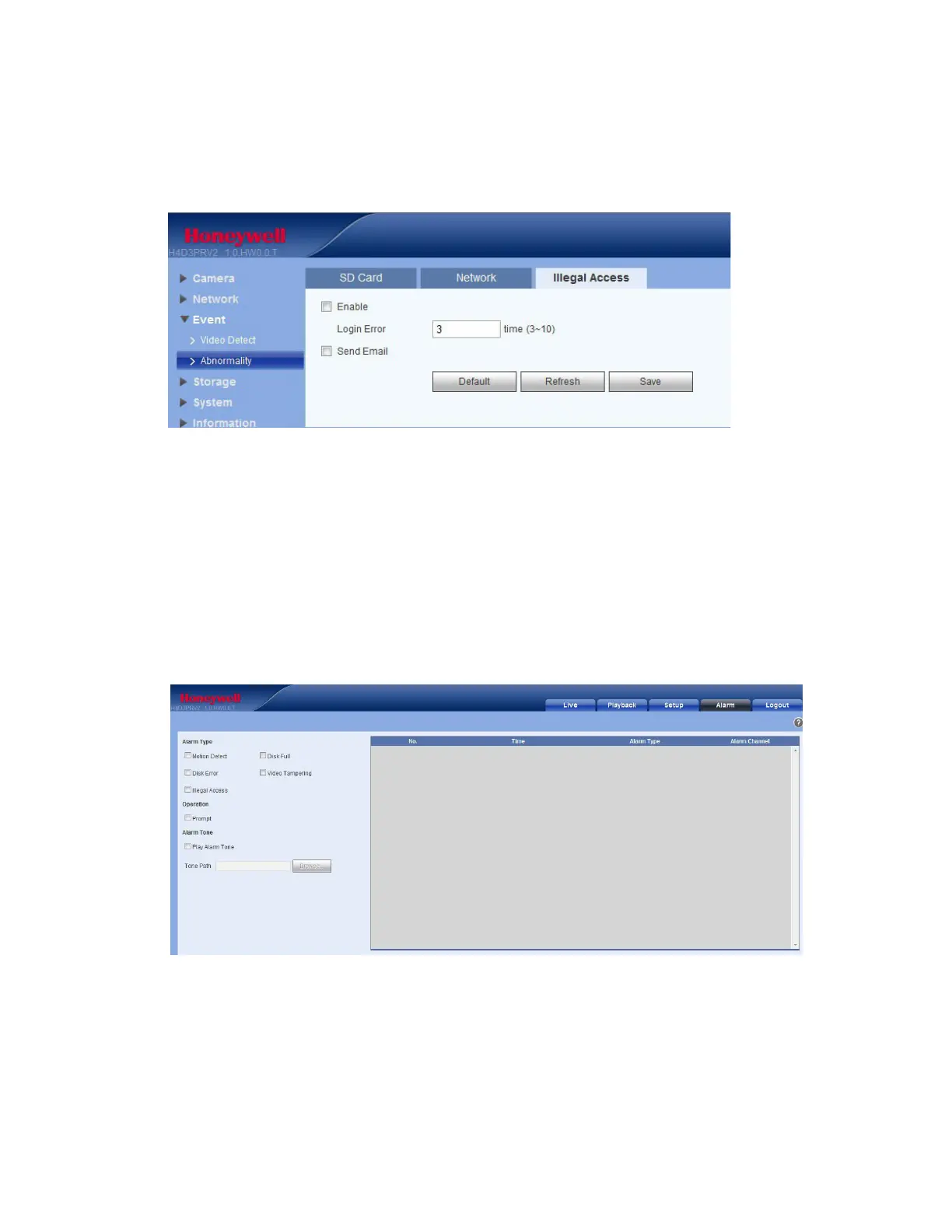
You can specify how many unsuccessful login attempts can be made before the system triggers an
illegal access alarm.
Figure 6-11 Illegal Access Configuration Interface
1.
Click Enable to trigger an alarm when someone tries to illegally access the camera.
2.
Enter the number of times a user can attempt to log in. Select from 3 to 10.
3.
Click Email to send an email to a specified receiver if someone attempts to illegally access the
camera.
Configuring Alarms
Click the Alarm tab to open the alarm configuration interface.
Figure 6-12 Alarm Configuration Interface



 To Next Page
 Loading...