Honeywell 60 Series IP Camera Software Configuration Guide
56
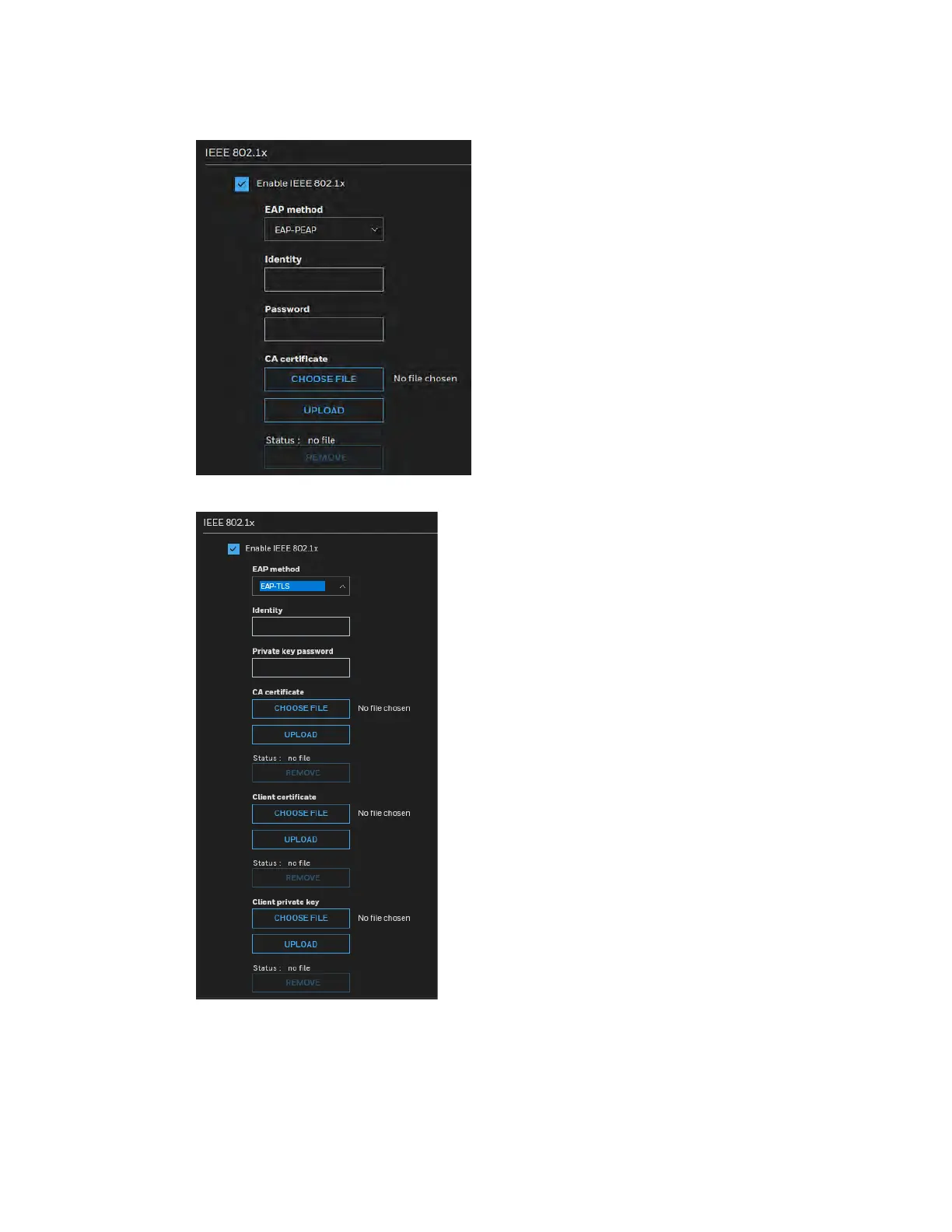
Figure 6-15 IEEE 802.1X Configurations – EAP-PEAP
Figure 6-16 IEEE 802.1X Configurations – EAP-TLS
Select EAP-PEAP or EAP-TLS as the EAP method. Enter your ID and password issued by
the CA, and then upload related certificate(s).
3. When all settings are complete, move the camera to the protected LAN by connecting it to
an 802.1x enabled switch. The devices will then start the authentication automatically.



 To Next Page
 Loading...